Author: pluginsphere_corouc

  • FedDSP Releases SHI Saturation Plugin Free for a Limited Time

    FedDSP Releases SHI Saturation Plugin Free for a Limited Time

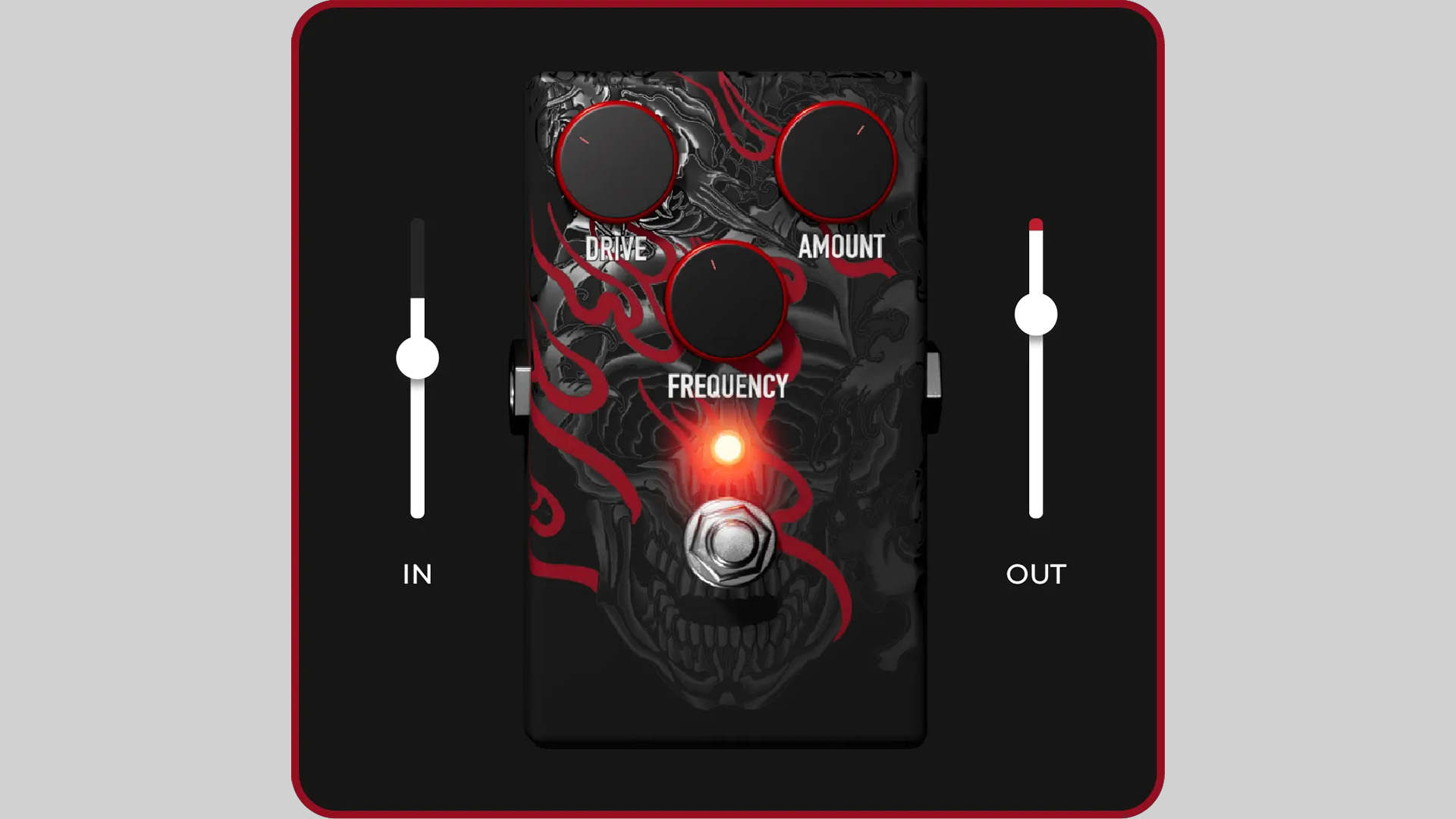
    FedDSP has released SHI, a new saturation plugin available as a free download for a limited time. After the promotion ends, the plugin will increase to $30.00, with the reduced price available until March 31, 2026.

    Frequency-Dependent Saturation for Targeted Tone Shaping

    SHI is designed as a frequency-dependent saturation plugin that allows users to add harmonic character to a selected part of the spectrum rather than processing the full signal equally. This gives users a more focused way to shape tone, whether the goal is to add more weight to the low end, more body to the mids, or more edge to the highs.

    Instead of washing the whole signal in saturation, SHI is built to make distortion feel more deliberate and mix-aware. The result is a sharper and more controlled sound that can be tailored to the exact area that needs more presence or excitement.

    Built for Flexible Use Across a Mix

    FedDSP positions SHI as a compact but versatile tool that can be used on a wide range of sources. It can add bloom and size to bass-heavy material, bring more knock and body to midrange content, or increase articulation and attack in the upper frequencies.

    The plugin can also be used to energize guitar signals, add more impact to drums, bring extra weight to bass parts, and add movement and life to loops and samples. That makes it a practical option for anyone looking for targeted saturation without adding unnecessary processing to the rest of the signal.

    Lightweight Workflow With No Extra Hassle

    SHI is built for fast and simple use in modern sessions. FedDSP states that the plugin runs with zero latency, supports offline-ready licensing, and allows up to three simultaneous activations per user. It is also compatible with major DAWs and operating systems, including Apple Silicon systems.

    The company also highlights a friction-free setup with no iLok requirement, no dongles, and no need for a constant internet connection.

    Features

    • Frequency-dependent saturation for targeted tone shaping
    • Precise control over low, mid, or high frequency enhancement
    • Useful for guitars, drums, bass, loops, and samples
    • Zero-latency operation
    • Offline-ready licensing with up to three activations
    • No iLok or dongle required
    • Compatible with Apple Silicon systems

    Plugin Formats

    SHI saturation is available for Windows and macOS users in VST3, AU, and AAX plugin formats.

    Free Download

    SHI is available as a free download for a limited time from the FedDSP website. After the promotion, the plugin will return to its regular price of $30.00.
  • Saschart Releases dynamicEcho Delay Plugin as a Free Download

    Saschart Releases dynamicEcho Delay Plugin as a Free Download

    Saschart has released dynamicEcho, a free dynamic delay plugin for Windows and macOS. The plugin is available as a free download, with optional donations welcomed.

    A Delay Plugin Controlled by Gain Reduction

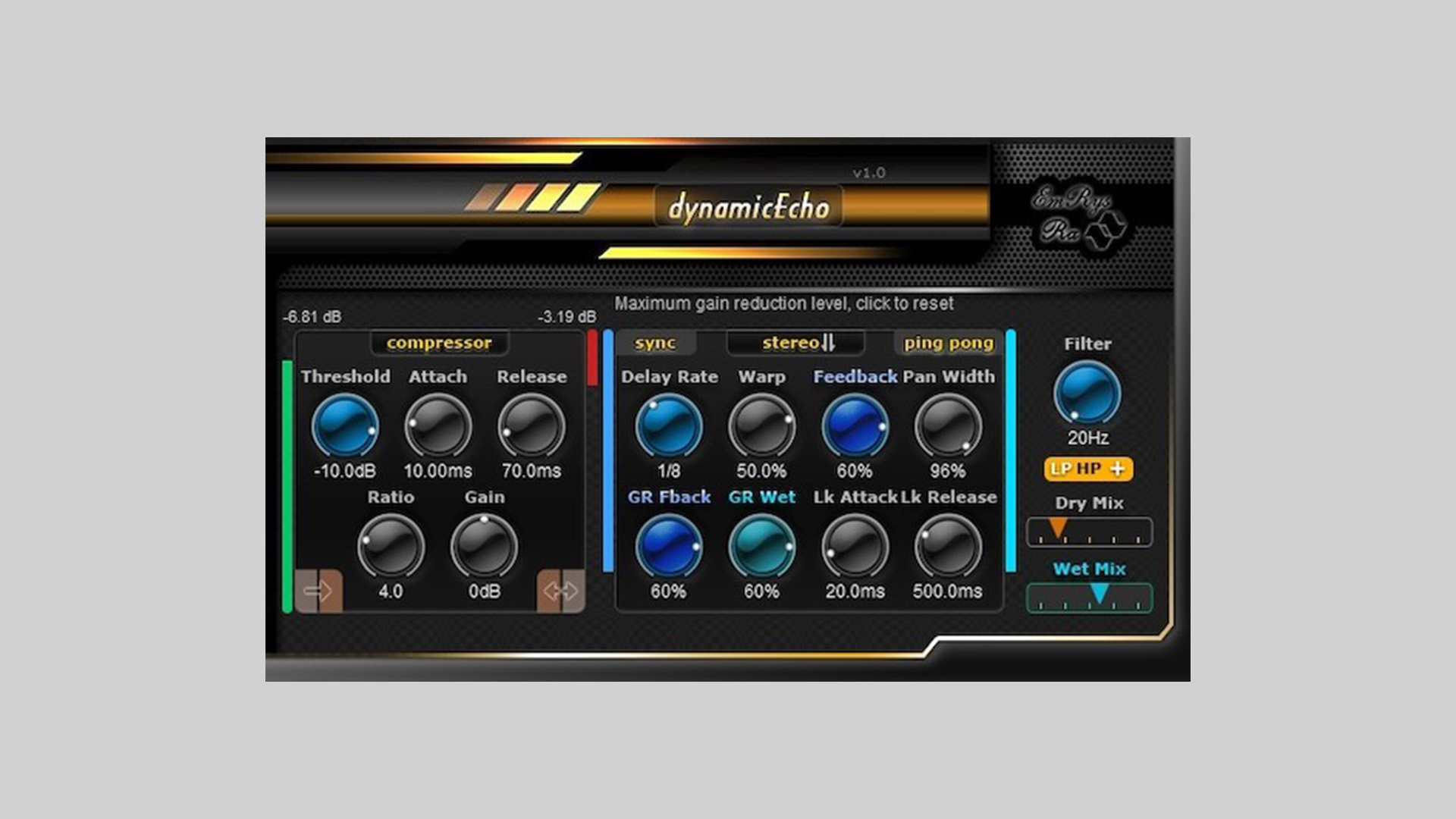
    DynamicEcho is built around the idea of using gain reduction to shape the behavior of the delay engine. At the center of the plugin is a compressor section that works as a gain reduction detector, allowing the delay to react in a more dynamic and responsive way.

    This approach gives users more movement and variation compared to a standard static delay effect, making the plugin suitable for creative echo processing that responds to the input signal.

    Multiple Delay Parameters Can React to the Signal

    The plugin allows gain reduction to control several delay parameters, including Feedback and Wet level. This means the effect can change organically depending on the incoming audio, creating a more active and adaptive result.

    Alongside the dynamic processing, dynamicEcho includes controls for delay time, feedback, pan width, filtering, and mix levels. Users can also choose between stereo or mono input processing and explore different warp modes for additional tonal variation.

    Real-Time Visual Feedback

    To help users monitor what is happening inside the effect, dynamicEcho provides real-time visual feedback for the input signal, gain reduction, feedback, and wet levels. This makes it easier to understand how the delay is reacting and how the dynamic control is affecting the sound.

    Features

    • Free dynamic delay plugin for Windows and macOS
    • Compressor-based gain reduction detector
    • Dynamic control over feedback and wet level
    • Delay time, pan width, filtering, and mix controls
    • Stereo or mono input processing
    • Warp modes for additional delay shaping
    • Real-time visual feedback for key parameters

    Plugin Formats

    dynamicEcho is available in VST2, VST3, and AU plugin formats for PC and Mac users.

    Free Download

    dynamicEcho is available as a free download from the Saschart website, with optional donations accepted.

  • AV-Ylänne Releases C-Cassette Synths Free Zyklop Presets Pack

    AV-Ylänne Releases C-Cassette Synths Free Zyklop Presets Pack

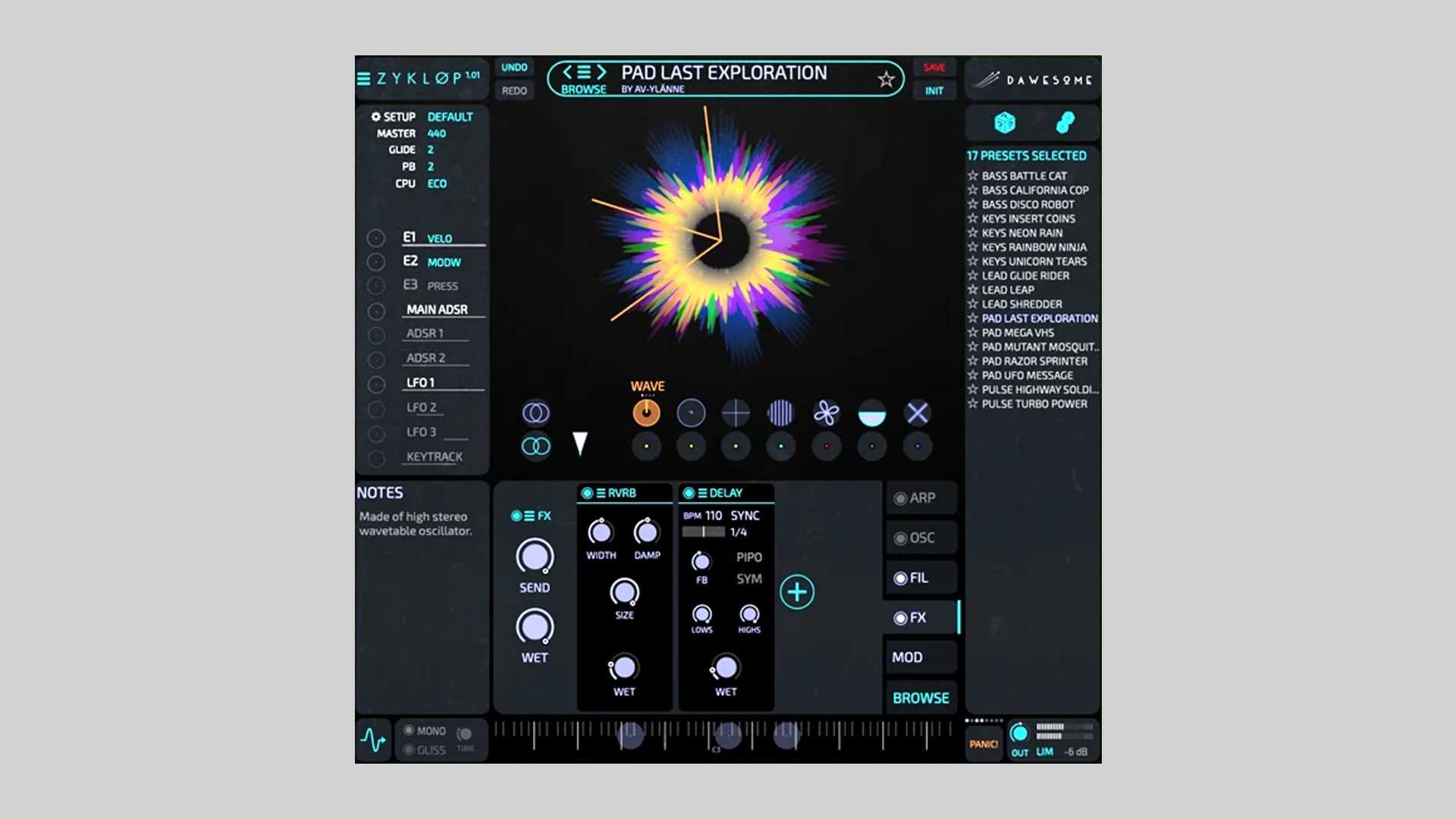
    AV-Ylänne has released C-Cassette Synths, a free preset pack for the Zyklop virtual synthesizer by Dawesome. The collection is built around simple oscillator sounds recorded onto old cassette tape and then reprocessed back into the digital environment to capture a warm, unstable, and characterful sound.

    Cassette Processing With a Lo-Fi Approach

    The idea behind the pack was to exaggerate the natural tone of cassette tape by recording the original oscillator sounds two octaves above their intended pitch. These recordings were captured at 192 kHz and then slowed down to quarter speed, bringing the sounds back down by two octaves while enhancing the drift, softness, and imperfections of the tape medium.

    This method gives the presets a distinct lo-fi and 80s-inspired tone, with a more organic texture than standard clean digital oscillator sources.

    Multiple Oscillator Sources and Preset Categories

    Four oscillator types were used for the recordings, including sine, square, saw, and wavetable, each captured in both mono and stereo at two different octaves. After that, the material was imported into Zyklop and turned into presets organized across five categories.

    The preset library covers bass, keys, lead, pad, and pulse sounds, giving users a flexible range of tones for different styles and productions.

    Designed for Easy Tweaking

    To refine the sounds, AV-Ylänne used a subtle amount of processing such as OTT, reverb, and chorus while keeping the original cassette character intact. The presets are also meant to be easily adjusted inside Zyklop, making it simple to reshape sounds for different roles.

    For example, plucked presets can be turned into pads by editing the ADSR envelope, while some lead sounds can be repurposed as bass patches by reducing spatial effects.

    Features

    • Free preset pack for the Zyklop synthesizer by Dawesome
    • Cassette-recorded oscillator sources with a lo-fi character
    • Sine, square, saw, and wavetable oscillator recordings
    • Sounds are organized into bass, keys, lead, pad, and pulse categories
    • Designed for easy tweaking inside Zyklop

    Free Download

    C-Cassette Synths presets pack for Zyklop is available as a free download from the AV-Ylänne Gumroad page. Zyklop, which is required to use the presets, is also available as a free virtual instrument from Dawesome.

  • Atlas DSP Releases Di Ken Free Saturation & Dynamics Processor Plugin (Limited Time)

    Atlas DSP Releases Di Ken Free Saturation & Dynamics Processor Plugin (Limited Time)

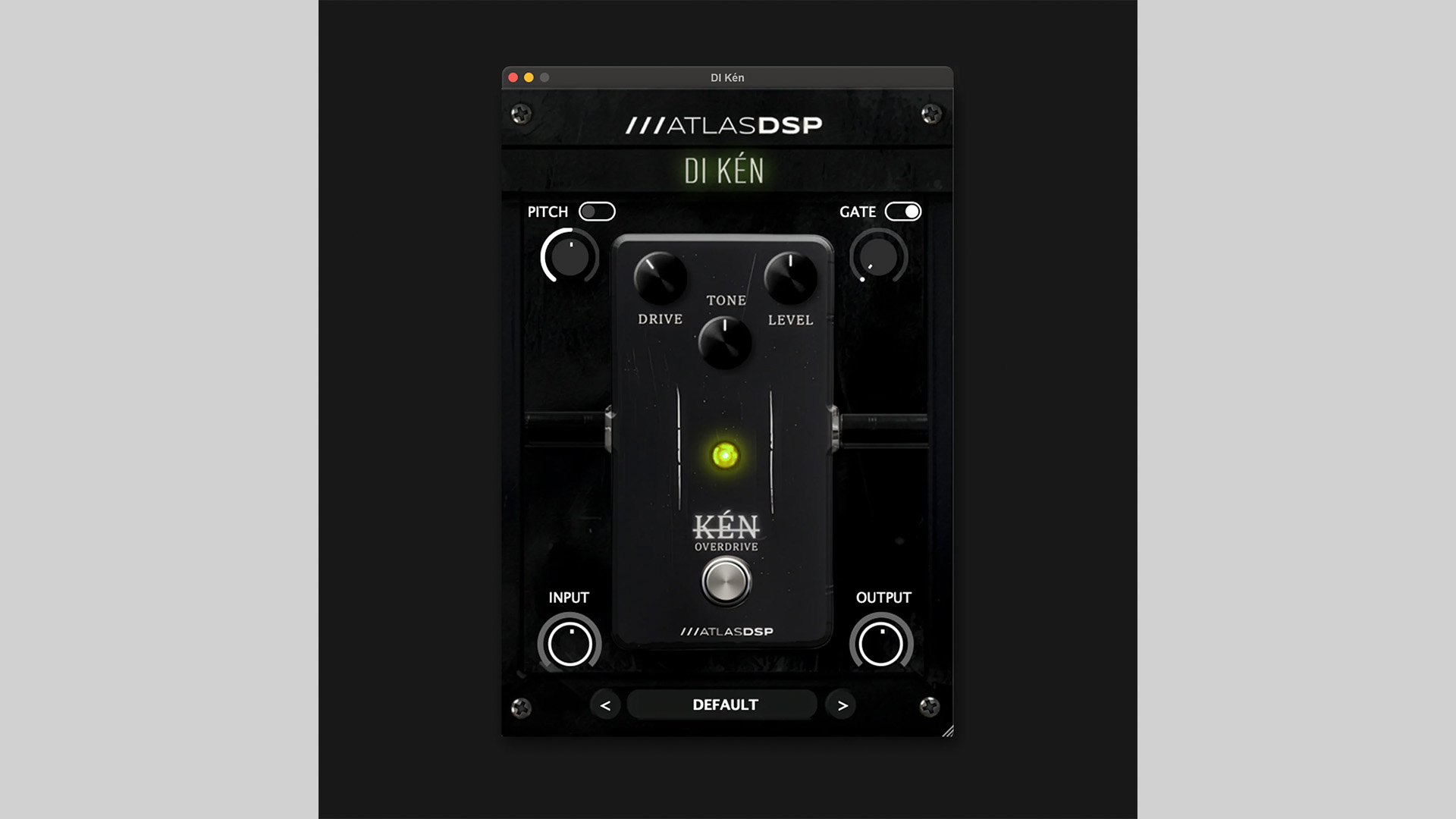
    Atlas DSP has released Di Ken, a new saturation & dynamics processor plugin available as a free download for a limited time. After the promotion ends, the plugin will return to its regular price of €29.99.

    A Front-End Plugin for Guitar and Bass Processing

    Di Ken is designed to improve and shape the signal before it reaches an amp simulator or other effects inside a DAW. Atlas DSP combines a vintage-style overdrive circuit with extra processing tools aimed at cleaning, controlling, and expanding the incoming signal.

    The plugin can be used to add warmth to DI recordings, tighten the low end for heavier tones, or prepare guitar and bass tracks for further processing. It is built as an all-in-one front-end solution for users who want more control over their signal chain without relying on several separate plugins.

    Built-In Drive, Pitch, Gate, and Gain Controls

    At the core of Di Ken is a harmonic saturation section with Gain, Tone, and Level controls. This stage is based on a symmetrical clipping overdrive design, allowing users to move from light saturation to more aggressive drive while shaping the midrange and output level.

    The plugin also includes a pitch shifter for transposition, stereo widening, and sub-octave effects. Alongside that, a dedicated noise gate helps reduce hiss, hum, and unwanted background noise while keeping the natural decay of the performance intact.

    To complete the signal path, Atlas DSP has added input and output gain controls for more precise level management. This makes it easier to feed the drive section properly and match the output level for the next plugin in the chain.

    Features

    • Harmonic saturation engine with Gain, Tone, and Level controls
    • Built-in pitch shifter for transposition and creative effects
    • Noise gate for controlling hiss and unwanted noise
    • Dedicated input and output gain staging controls
    • Designed for guitar and bass front-end signal shaping

    Plugin Formats

    Di Ken is available for both Windows and macOS users. Supported plugin formats include VST3, AU, and AAX, making it suitable for a wide range of DAWs and production setups.

    Free Download

    Di Ken saturation & dynamics plugin is available as a free download for a limited time from the Atlas DSP website.

  • fedDSP Releases Elegante – Free TS‑Style Overdrive Plugin (Limited Time)

    fedDSP Releases Elegante – Free TS‑Style Overdrive Plugin (Limited Time)

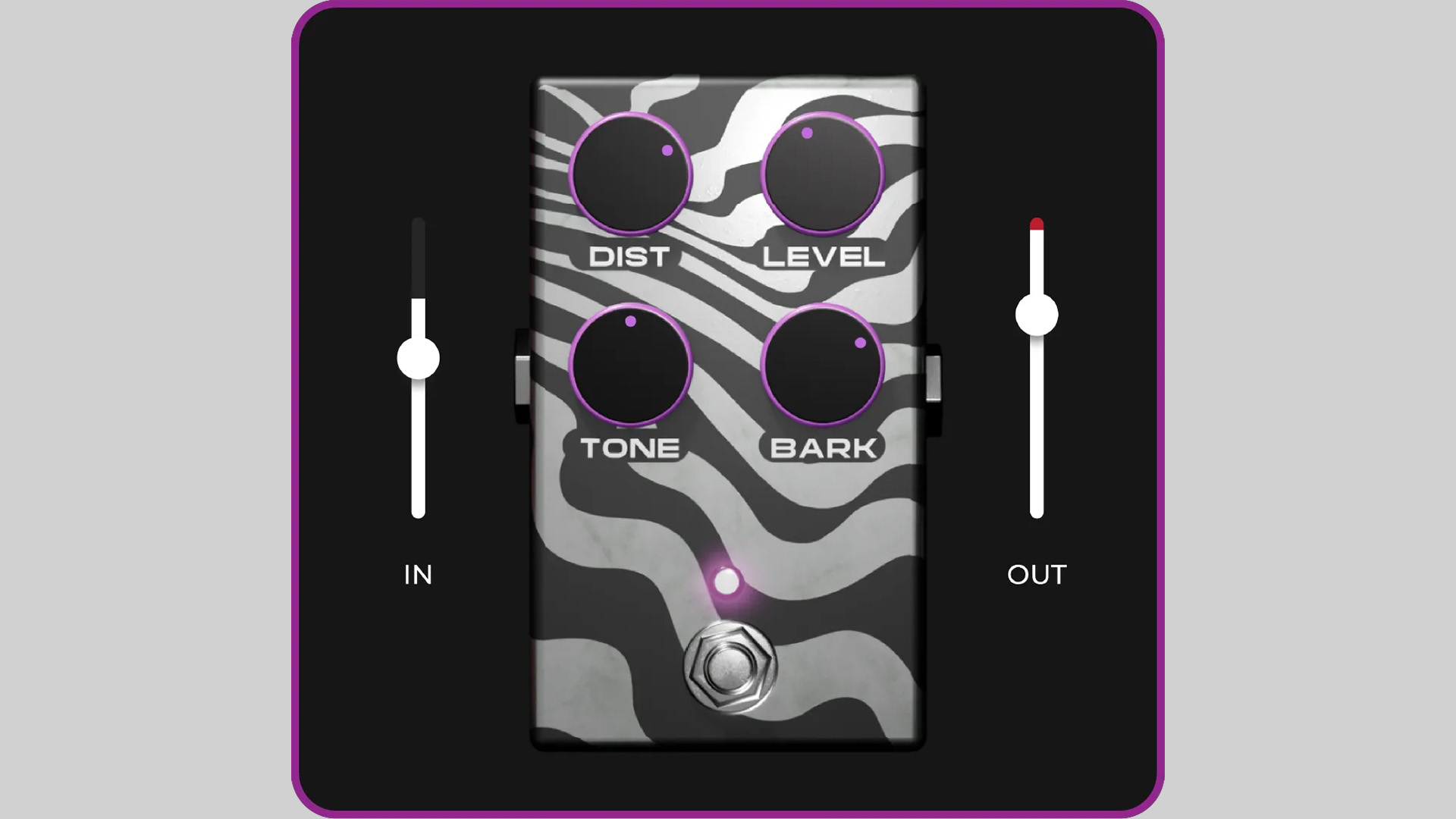
    fedDSP has released Elegante, a TS‑style overdrive plugin that’s currently free until March 10, 2026 (regular price £30).

    Inspired by classic tube‑screamer‑style circuits, Elegante focuses on tight low end, a forward midrange push, and smooth top‑end saturation that helps sounds cut through a mix without harshness.

    While the design references the familiar stompbox workflow, the plugin is built for modern production sessions and can be used on much more than a guitar.

    Classic Pedal Tone, Studio Workflow

    TS‑style overdrives are popular because they reshape both the harmonic structure and the dynamics of a signal. The result is a tone that feels tighter, more focused, and easier to place in a mix. Placed before an amp or amp simulator, the effect can sharpen articulation and give lead parts extra presence.

    Elegante also works well on vocals, bass, loops, and drums. Light drive settings can enhance upper‑mid detail and add density, giving sources a more “finished” character without sounding overprocessed.

    Features

    • TS‑style overdrive inspired by classic tube‑screamer circuits
    • Tight low end, midrange push, and smooth top‑end saturation
    • Suitable for guitar, bass, vocals, loops, and drums
    • Responds naturally to playing dynamics and input level
    • Zero latency processing
    • Very low CPU usage for large sessions
    • No iLok or internet activation required
    • Formats: VST3, AU, AAX
    • Platforms: Windows and macOS

    In The Mix

    Try Elegante before an amp simulator to tighten rhythm guitars or push lead tones forward. On drums or loops, subtle drive can add edge and upper‑mid presence. It also works well on vocals or bass when used lightly to introduce harmonic density without obvious distortion.

    Free Download

    Elegante overdrive plugin is available as a free download until March 10, 2026 (regular price £30) via the fedDSP website. After the promotion ends, the plugin returns to its normal price.

  • Timerift Audio Releases Oh My Grain – Free Granular Texture Plugin (VST3)

    Timerift Audio Releases Oh My Grain – Free Granular Texture Plugin (VST3)

    Timerift Audio has released Oh My Grain, a free granular-style audio effect plugin designed to create smooth textures, evolving atmospheres, and glitchy sound design effects.

    The plugin focuses on simplicity while offering enough controls to reshape audio into new rhythmic or ambient layers.

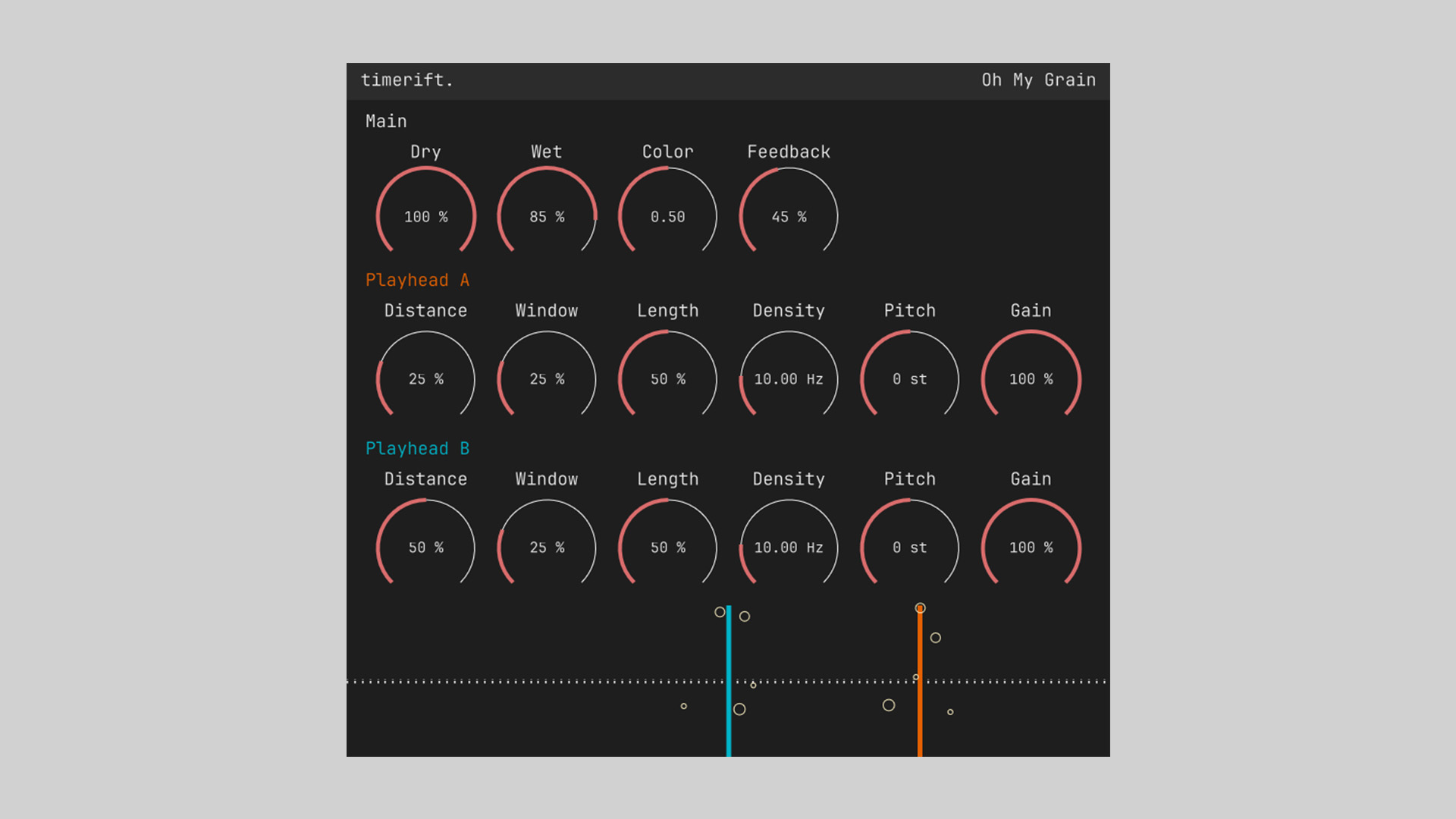
    Built around a dual-playhead concept, Oh My Grain lets you manipulate grains of audio in real time. By adjusting parameters such as density, window size, pitch, and distance, users can transform simple material into shimmering textures, broken rhythms, or subtle spatial motion.

    Granular Processing With Dual Playheads

    The plugin features two independent playheads (A and B), each with its own controls for distance, grain window, length, density, pitch, and gain. This structure allows complex granular movement and layered textures while remaining easy to understand.

    Global controls such as Dry/Wet, Color, and Feedback make it possible to blend the effect naturally into a mix or push it into more experimental territory.

    Features

    • Dual playhead granular processing (Playhead A and B)
    • Grain parameters: distance, window, length, density, pitch, gain
    • Global controls for Dry, Wet, Color, and Feedback
    • Capable of smooth ambient textures or glitch-style effects
    • Real-time visual feedback of grain activity
    • Simple interface focused on creative experimentation
    • Formats: VST3
    • Platforms: Windows, macOS, Linux

    In The Mix

    Use Oh My Grain on pads or sustained instruments to create evolving textures. On drums or percussion, short grain windows and higher density settings can produce glitchy rhythmic fragments. Blending the effect subtly with the Dry/Wet control can also add motion to otherwise static sounds.

    Free Download

    Oh My Grain granular texture plugin is available as a free download on the Timerift Audio website. To receive the installer, join the developer’s mailing list, after which download links for Windows, macOS, and Linux (VST3) are provided.

  • Variety of Sound Releases epicVerb mkII Free Reverb VST Plugin

    Variety of Sound Releases epicVerb mkII Free Reverb VST Plugin

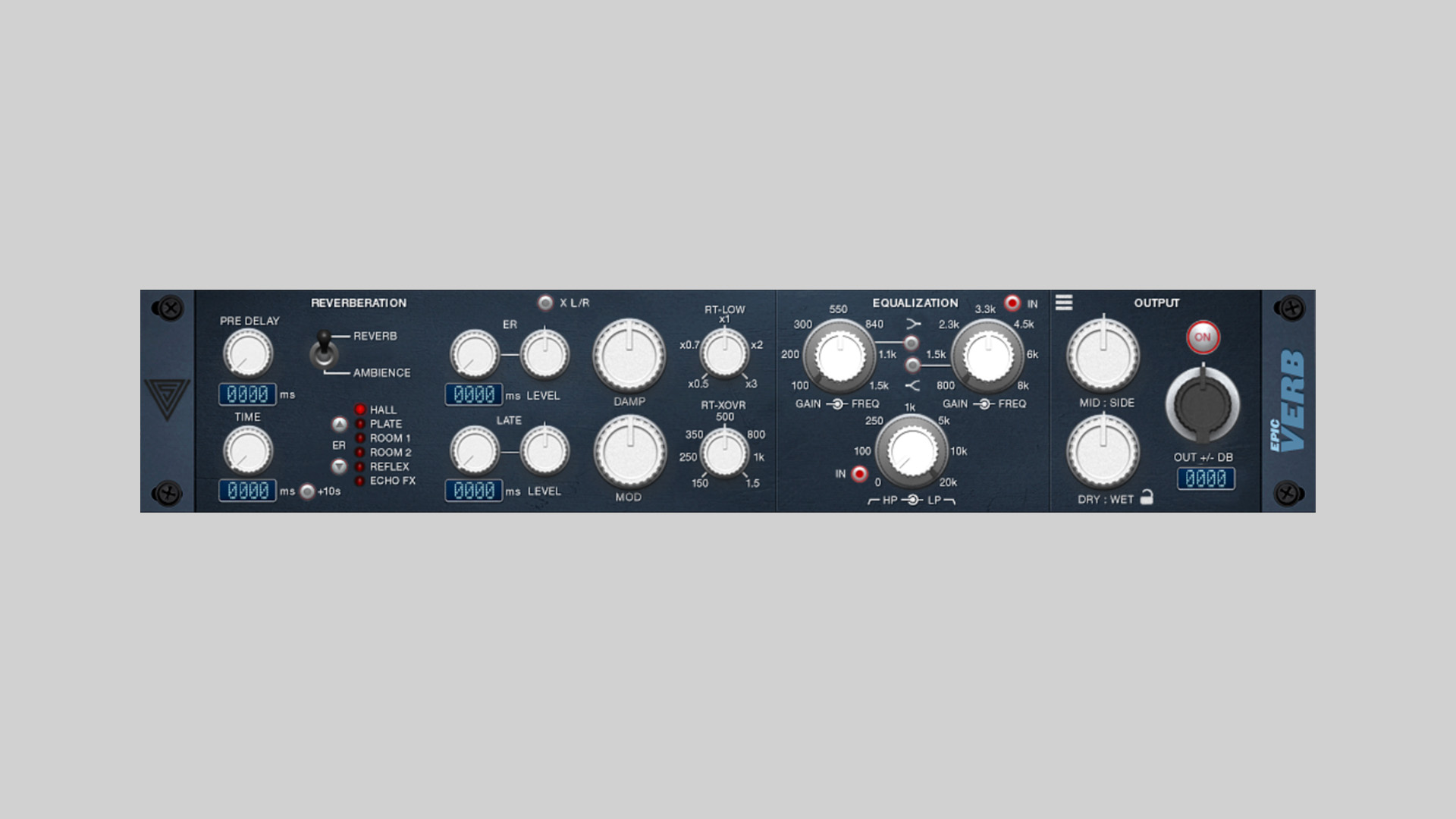
    Variety of Sound has released epicVerb mkII, a true stereo reverb plugin, available as free VST & VST3 plugin for Windows.

    This is a new version of its classic algorithmic reverb designed to deliver natural depth and detailed stereo imaging. Built around refined early reflections and improved reverb algorithms, epicVerb mkII aims to recreate everything from tight studio rooms to large concert halls.

    The plugin blends early reflection-based reverb design with modern acoustic modeling, giving producers a flexible tool for adding realistic space while keeping the sound clear and controlled in the mix.

    Dual Engine True Stereo Reverb

    At the core of epicVerb mkII is a dual‑engine architecture that combines classic delay‑based techniques with modern algorithmic processing. Running in a full true stereo configuration, the plugin maintains accurate left/right spatial cues and a convincing soundstage.

    The update also improves clarity and depth across the reverb engine, while new filtering options make it easier to shape the tonal balance of the reflections and tail.

    Features

    • Refined early reflections for improved spatial definition
    • Updated reverb algorithms for more clarity and depth
    • True stereo processing architecture
    • Dual‑engine design combining delay‑based and algorithmic reverb
    • Updated filters for enhanced tonal shaping
    • New shelving filter options
    • Completely redesigned factory preset library
    • Brand‑new preset browser
    • Resizable user interface
    • Online manual and updated documentation

    In The Mix

    epicVerb mkII works well on a wide range of sources. Use shorter room presets on drums and guitars for subtle depth, while longer hall algorithms can add cinematic space to pads, piano, or orchestral layers. Thanks to the improved early reflections, it can also help place instruments more naturally within a mix without washing them out.

    Free Download

    epicVerb mkII reverb plugin is available as a free download for Windows in VST and VST3 formats. More information at Variety of Sound.

  • SaschArt Releases yCompressor – Free Essential Compression Plugin

    SaschArt Releases yCompressor – Free Essential Compression Plugin

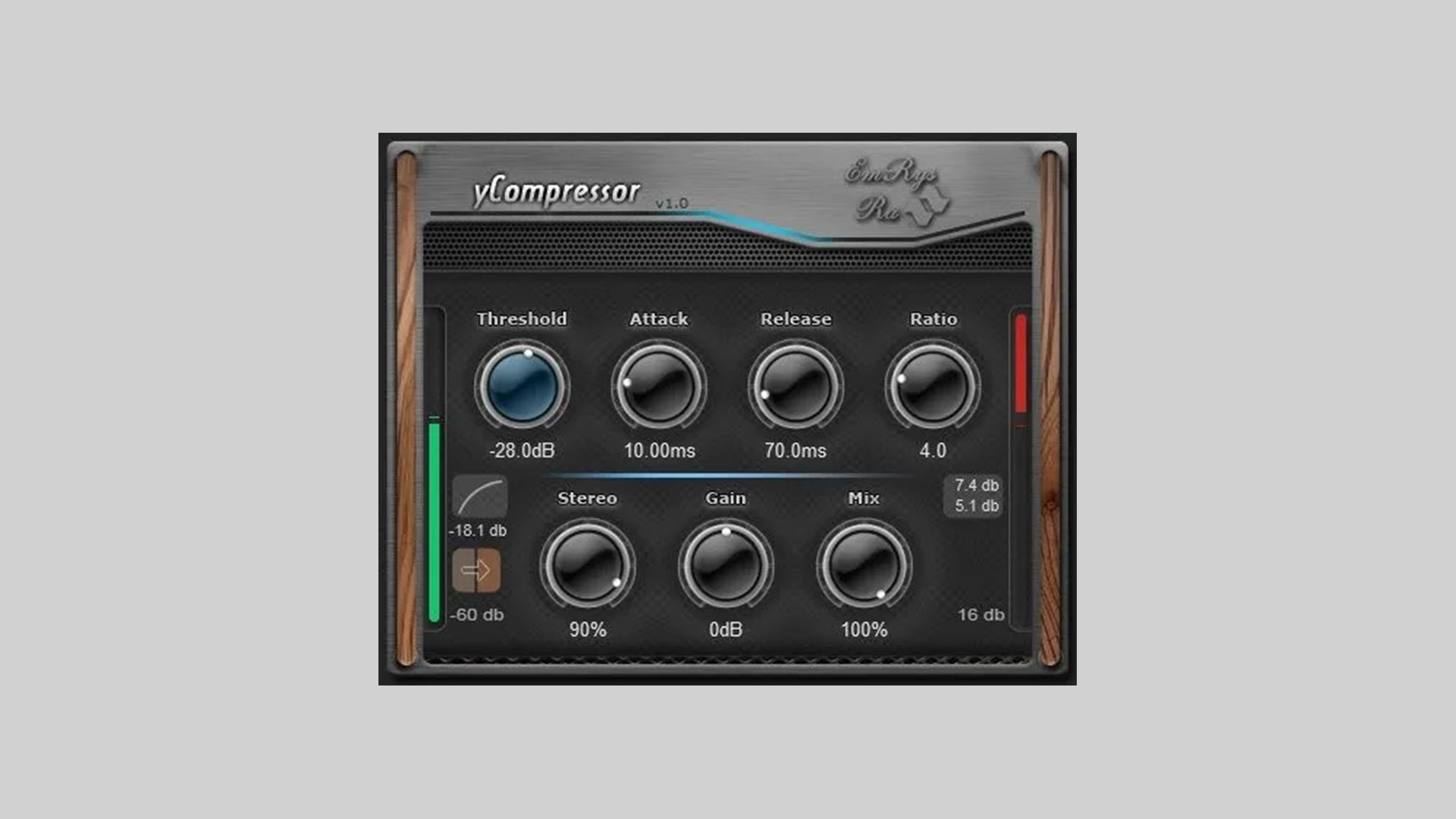
    SaschArt has released yCompressor, a free minimalist compressor built around clarity, precision, and efficiency. The idea is simple: give you exactly the controls you need for professional compression, no fluff, no visual overload, no unnecessary modules.

    Designed for producers and engineers who prefer fast decisions over menu diving, yCompressor keeps the workflow tight while staying extremely light on CPU and latency.

    Classic Compression, Streamlined

    yCompressor focuses on a clean signal path and predictable behavior. It delivers transparent, classic-style dynamic control suitable for vocals, drums, instruments, and buses. With both linear and logarithmic detection modes, you can fine-tune how the compressor reacts to incoming material without complicating the interface.

    Parallel compression is handled via a dedicated Mix knob, and stereo linking behavior can be adjusted directly from the Stereo control. A built-in sidechain option allows either external triggering or filtered compression when needed.

    Features

    • Threshold – sets when compression begins
    • Detection (Linear / Logarithmic) – choose how the input level is measured
    • Attack – controls transient response speed
    • Release – defines gain reduction recovery time
    • Ratio – sets compression intensity
    • Stereo – controls stereo linking behavior
    • Gain – output compensation
    • Mix – dry/wet control for parallel compression
    • Side Chain – external or filtered sidechain support
    • Minimal latency and extremely low CPU usage
    • Formats: VST2, VST3 (Windows 32/64-bit), VST2/VST3/AU (macOS Intel & Apple Silicon)

    How to Use the yCompressor Plugin

    Use yCompressor on vocals for clean leveling, on drum buses for tight control, or on synth layers where you want subtle dynamic shaping without coloration. The Mix control makes it especially useful for quick parallel compression setups without additional routing.

    Free Download

    yCompressor plugin is available as a free download for Windows and macOS in VST2, VST3, and AU formats via the SaschArt website.

  • Woodstock Audio Releases Free Waveform Compressor Plugin

    Woodstock Audio Releases Free Waveform Compressor Plugin

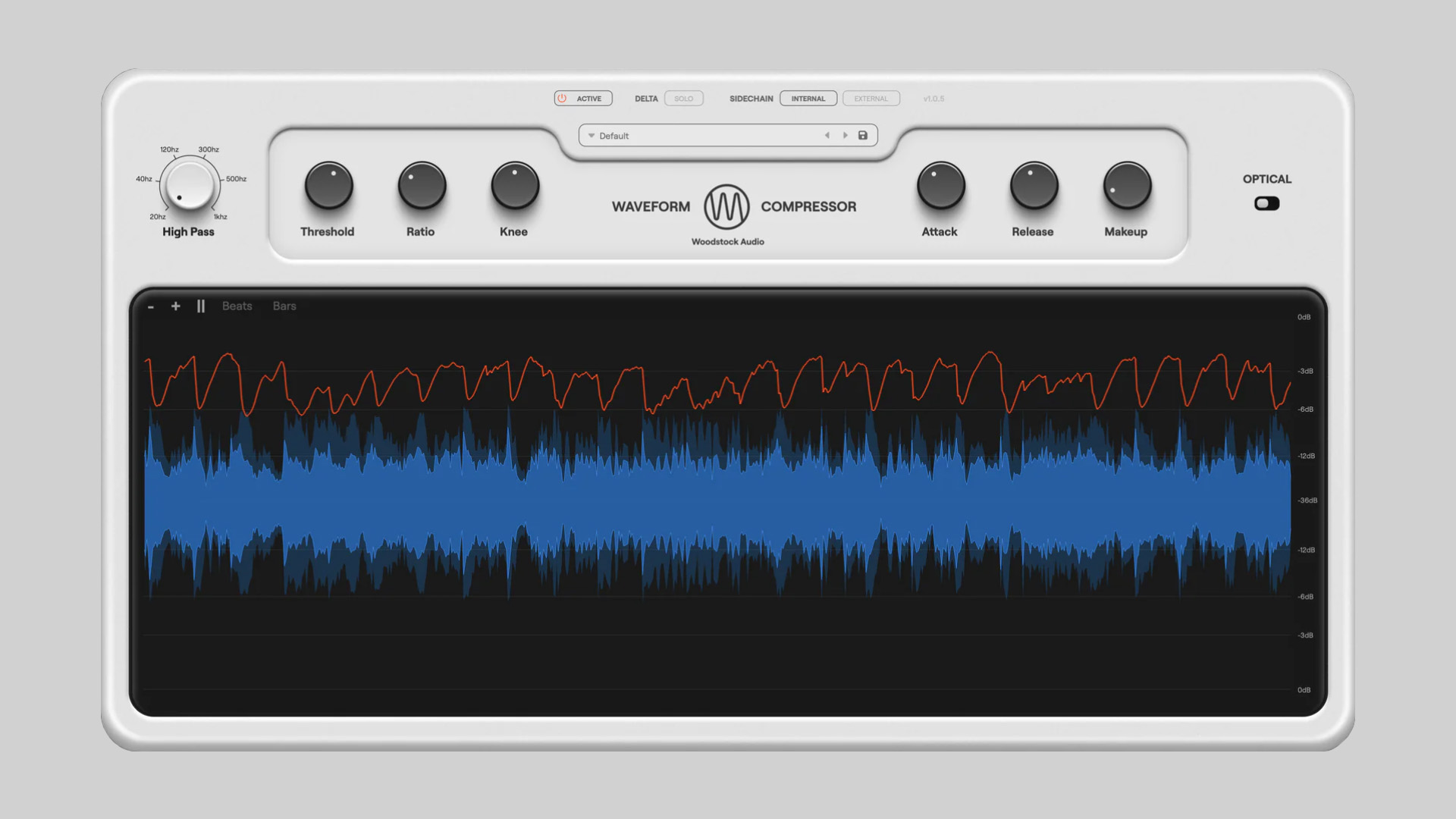
    Woodstock Audio has released Waveform Compressor, a free feedforward compressor featuring a high-resolution dynamic waveform visualiser and switchable VCA (Regular) and Optical modes. It’s designed to let you both hear and see what compression is doing in real time.

    See What Compression Is Actually Doing

    Waveform Compressor’s standout feature is its GPU-powered visualiser. You can view the waveform before and after compression, track gain reduction with a dedicated line, zoom in/out, pause the display, and enable beat/bar overlays. It’s a genuinely practical way to understand how attack, release, and knee settings shape transients.

    Under the hood, it runs a feedforward design with peak detection, leaning into VCA-style versatility, while offering an Optical mode for smoother, adaptive compression with a memory-style release behavior.

    Watch the official walkthrough video:

    Features

    • Feedforward compressor with peak detection (VCA-style response)
    • Regular (VCA) and Optical modes
    • Threshold, Ratio (1:1–24:1), Attack (20µs–250ms), Release (25ms–5s), Knee (0–18dB)
    • Detector HPF for shaping low-end response
    • External sidechain with HPF, LPF, and Lookahead
    • Delta Solo (listen to the difference signal)
    • GPU-powered waveform visualiser (before/after, gain reduction, threshold)
    • Zoom, pause, and beat/bar overlays
    • 10 included presets + built-in preset manager
    • Dynamic window resizing
    • Low CPU usage (optimized performance)
    • No license or activation required
    • Formats: VST3, AU, AAX (Windows & macOS)

    How to Use Waveform Compressor

    Use Regular mode for drums, buses, and punchy material where you want tight transient control. Switch to Optical mode on vocals or bass for smoother, adaptive leveling. Delta Solo is especially useful when fine-tuning attack times, listening to what’s being removed, not just what remains. The detector HPF helps keep kick drums from over-triggering compression on mix buses.

    Free Download

    Waveform Compressor is available as a free download for Windows and macOS (VST3/AU/AAX) at Woodstock Audio. No license or activation required.

  • Hvoya Audio Releases Sand Free Differential Compander Plugin

    Hvoya Audio Releases Sand Free Differential Compander Plugin

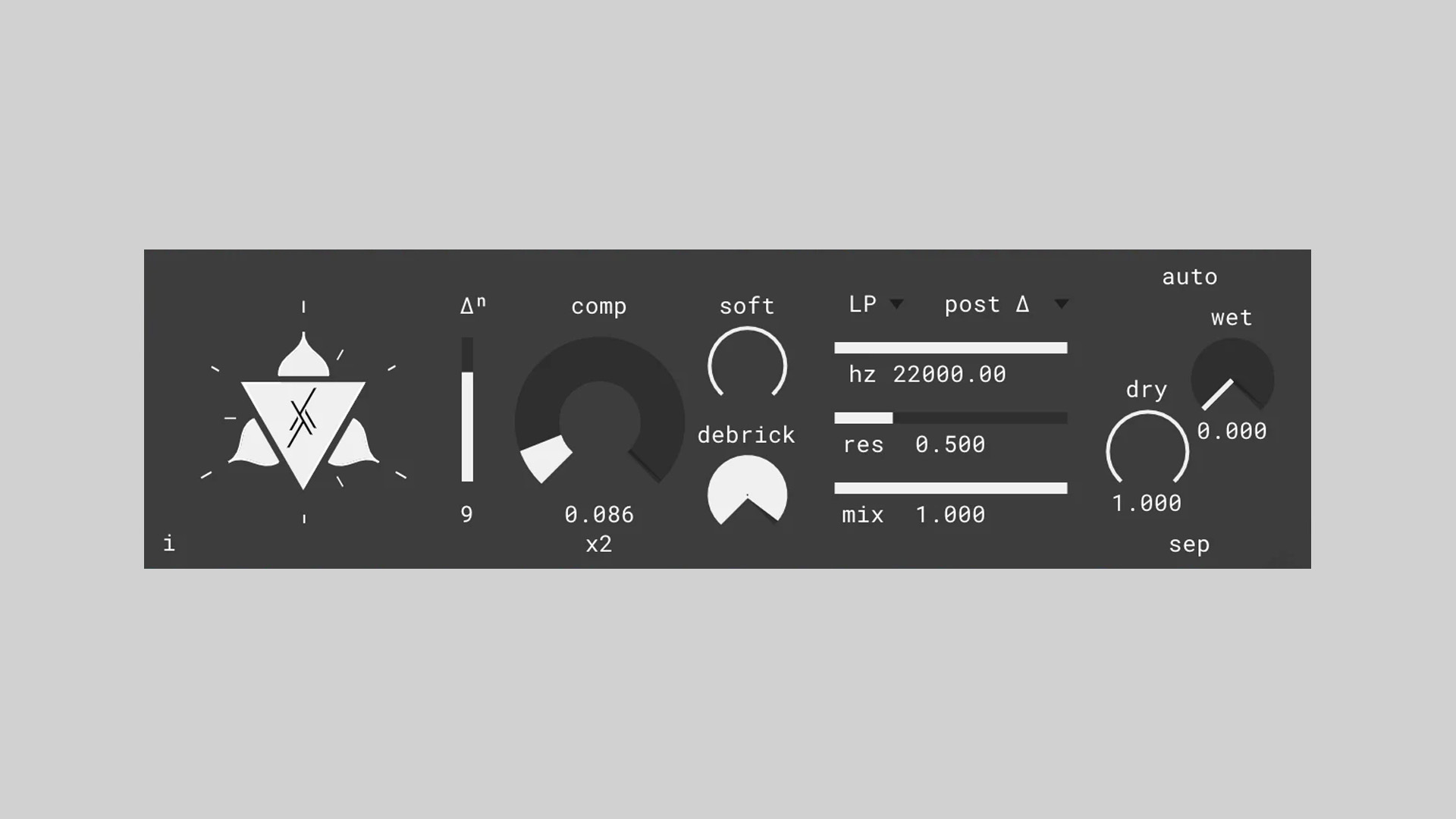
    Hvoya Audio has released Sand, an experimental differential compander plugin (free) designed to add texture, grit, and unusual detail to your sounds.

    Rather than processing the original signal directly, Sand works on its derivative, creating a unique blend of companding, soft limiting, and high-pass-like behavior. The result can range from subtle harmonic lift to extreme, glitchy extraction of hidden details.

    This is more of a sound design tool than a traditional musical effect, but it can definitely pull extra juice from bass, kicks, field recordings, and even vocals.

    Companding With A Twist

    A compander is essentially an inverted compressor: it lifts quiet details while gently limiting peaks. Sand takes that idea further by applying the process to the signal’s derivative. In practice, this can act like a strange, texture-enhancing high-pass filter that sometimes reveals details your ear barely noticed before.

    You can choose the order of the derivative, from zero (original signal) to higher values for more aggressive detail extraction. Negative order integrates the signal instead, an experimental feature that can yield interesting results. The companding amount is extremely powerful, capable of amplifying even the tiniest nuances (down to dithering noise), so subtle settings are often best.

    Watch below the plugin in action:

    Features

    • Differential compander (processes signal derivative)
    • Adjustable derivative order (including integration mode)
    • High amplification range for extreme detail extraction
    • Softness control for smoother vs gritty response
    • “Debrick” control for managing over-compression artifacts
    • Flexible filter section with three pass types
    • Adjustable filter placement in signal chain
    • Stable filter suitable for modulation
    • Dry/Wet control with a separate mode option
    • MIDI-learnable controls
    • Resizable UI
    • Available for Windows and macOS

    In The Mix

    Use Sand subtly on vocals or acoustic instruments with low companding amounts to restore air and texture without sounding processed. On bass, drum breaks, or field recordings, push higher-derivative orders and blend with the dry signal for gritty transients and unusual detail extraction. Extreme settings can create glitchy, high-passed artifacts suited for experimental sound design.

    Free Download

    Sand differential compander is available as a free download for Windows and macOS (VST, VST3, and AU plugin formats). It’s aimed primarily at experimental sound design, but it can also be used subtly on bass, drums, voice, or field recordings to extract texture and restore high-frequency detail.

    For more details and download, head over to the Hvoya Audio website.