Tag: delay

  • SaschArt Releases multiDelay Free Creative Delay Plugin

    SaschArt Releases multiDelay Free Creative Delay Plugin

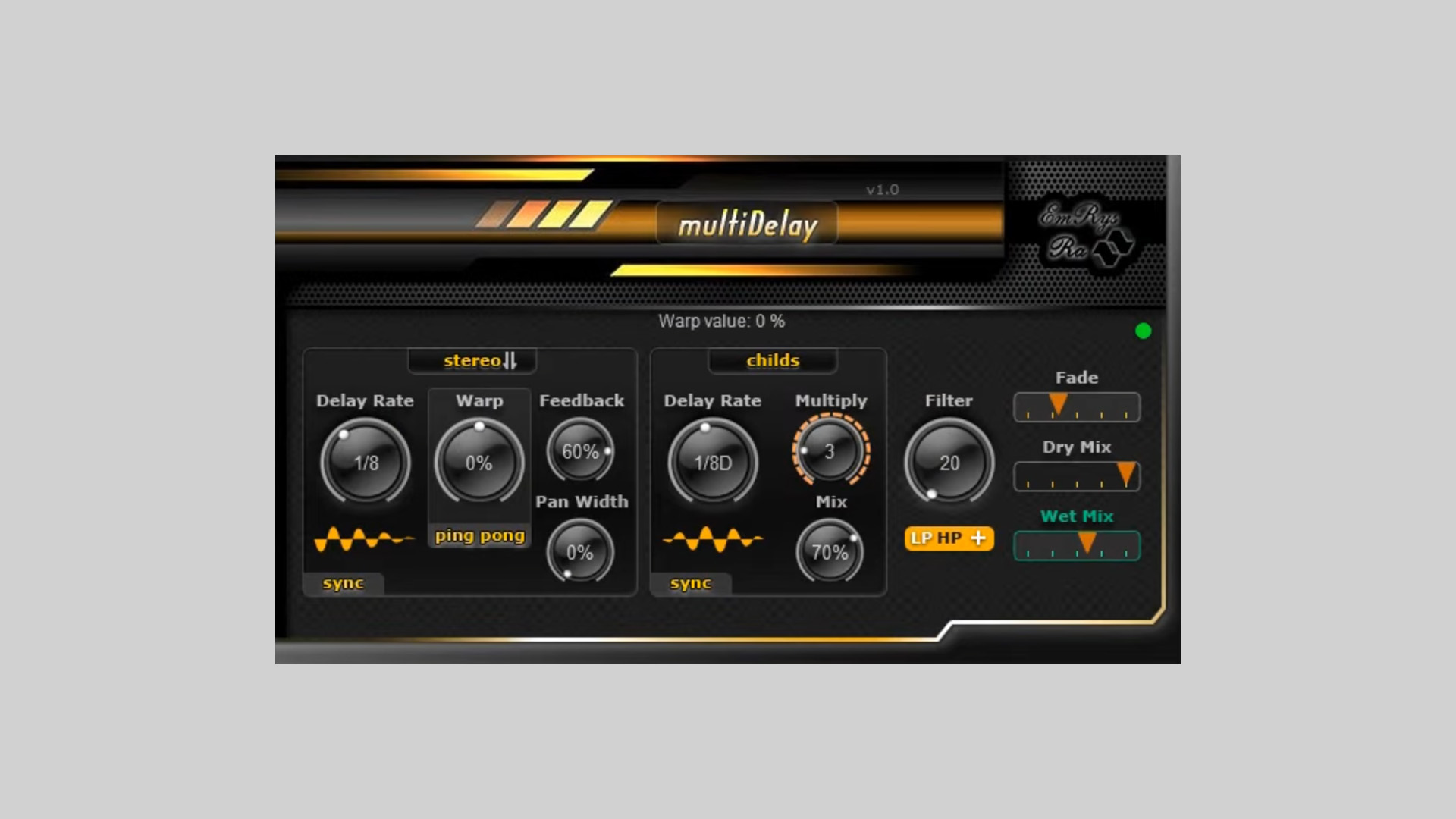
    SaschArt has introduced multiDelay, a free creative delay plugin for DAWs running on Windows and macOS. Designed for producers, sound designers, and mix engineers, multiDelay delivers an advanced delay architecture with up to three additional child delays, opening new frontiers in rhythmic and spatial processing.

    Detailed Delay Shaping

    At its core, multiDelay offers flexible time-based manipulation with the ability to sync delay times to your DAW’s tempo. It features a Warp Control to manipulate the stereo image, including Ping-Pong and Stereo warp types. This allows for bouncing echoes or rich layered spatial effects.

    Layered Serial Delays

    A key highlight of multiDelay is the ability to cascade up to three serial child delays. These delays are stacked in series within the feedback loop, creating depth and complexity not achievable through multiple independent delay units.

    • Control delay times per child unit in ms or sync mode
    • Blend child delays via a dedicated Mix parameter
    • Use cascading delays for ambient layering or rhythmic interplay

    Built-In Filters and Tonal Shaping

    multiDelay free creative delay plugin includes an onboard filter section with:

    • Lowpass
    • Highpass
    • Boosted Lowpass
    • Boosted Highpass (great for shimmer effects)

    Adjust filter cutoff frequency to shape your echoes precisely. Fade Time ensures smooth transitions between parameter changes, eliminating clicks.

    Stereo Imaging and Control

    • Pan Width control for managing stereo spread
    • Dry and Wet Mix parameters to blend processed signal
    • Feedback and Delay Time for classic or experimental echo designs

    Free Creative Delay Plugin

    multiDelay is tailored for users who seek to go beyond basic delay effects. Whether you’re designing evolving textures or sculpting rhythmic patterns, this plugin provides depth and precision through its modular structure and filtering capabilities.

    Free Download

    multiDelay creative delay plugin is now available for free on the SaschArt website. Compatible with Windows (VST2/VST3, 32/64-bit) and macOS (VST2, VST3, AU).
     

  • Strange Audio Introduces maniFold Σ – Free Texture Generator Plugin

    Strange Audio Introduces maniFold Σ – Free Texture Generator Plugin

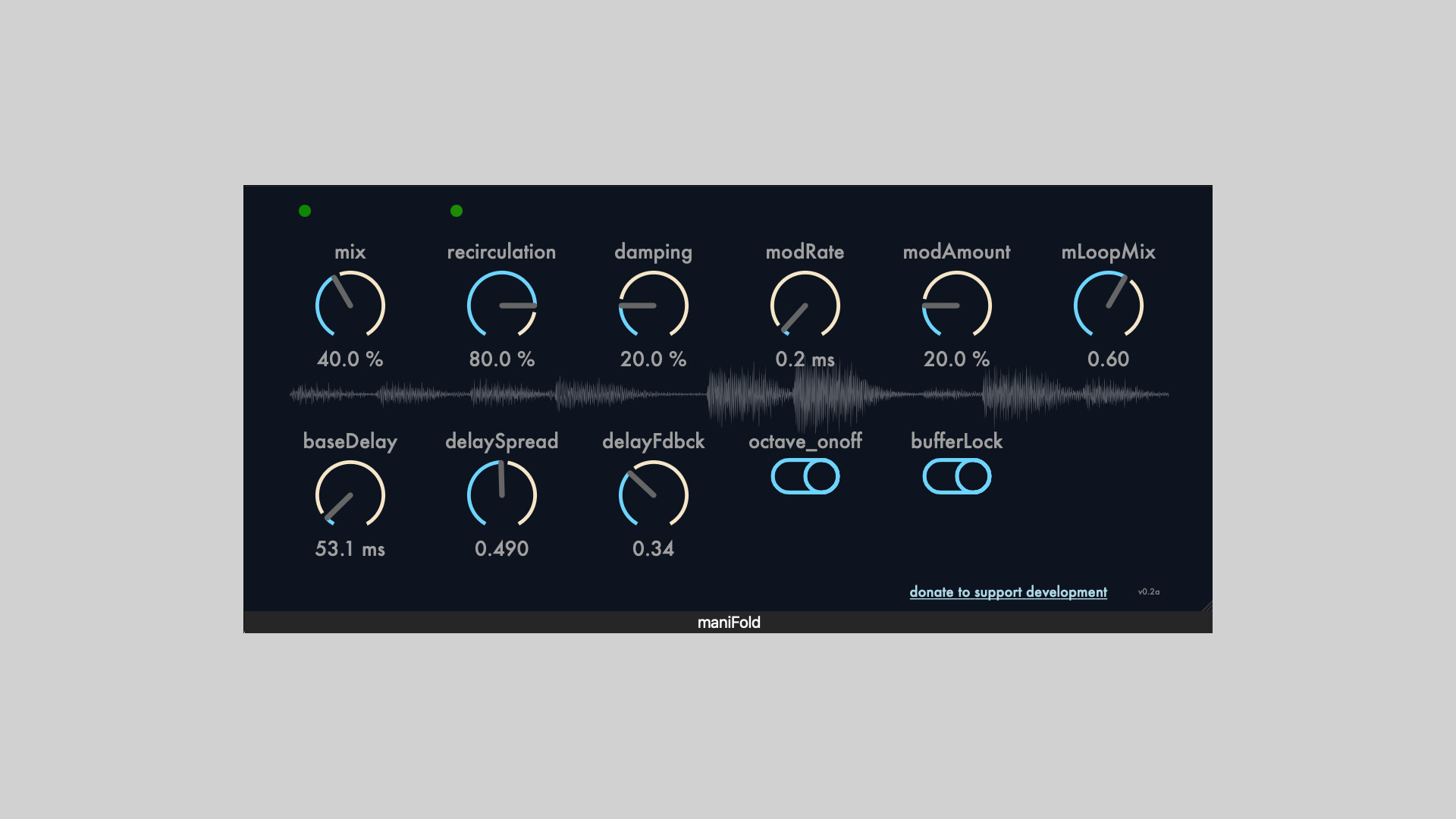
    Strange Audio has introduced maniFold Σ free texture generator plugin, a new experimental audio plugin currently in its alpha stage. This plugin blends micro-looping, buffer manipulation, and complex delay clustering into a powerful tool for sound design and ambient exploration.

    What Is maniFold Σ?

    maniFold Σ is an audio effect plugin combining real-time looping with a multi-head architecture and non-linear delay processing. It offers a unique sonic playground for musicians, producers, and experimental sound designers.

    Features at a Glance

    • Micro-looper with 8 Independent Play Heads
      Each head accesses a shared 5-second audio buffer with randomized parameters including position, length, panning, and pitch (up to ±12 semitones).
    • Real-Time Buffer Visualization and Control
      Users can freeze and lock the buffer to isolate and creatively manipulate specific audio snapshots.
    • Cluster of 32 Delay Lines
      These delays use all-pass filters instead of conventional delay algorithms. A base delay time and a global delaySpread multiplier allow for cascading, spatial effects.
    • Recirculation for Ambient Textures
      The plugin features a feedback mechanism that creates rich, evolving textures, similar to deep and lush reverb tails.

    Plugin Formats and Availability

    maniFold Σ is available in VST and AU formats for both Windows and macOS platforms. Since it is currently in alpha, features and stability may change in future versions.

    Free Download

    maniFold Σ (Alpha) texture generator plugin can be downloaded for free at the Strange Audio website.

  • Tritik Releases Tymee – A Free Delay Plugin with Spectrogram

    Tritik Releases Tymee – A Free Delay Plugin with Spectrogram

    Tritik has released Tymee, a free delay plugin designed with simplicity and sound quality in mind. Tymee offers an intuitive interface paired with essential delay features, making it a practical tool for both music production and educational use.

    Simple, Effective Delay

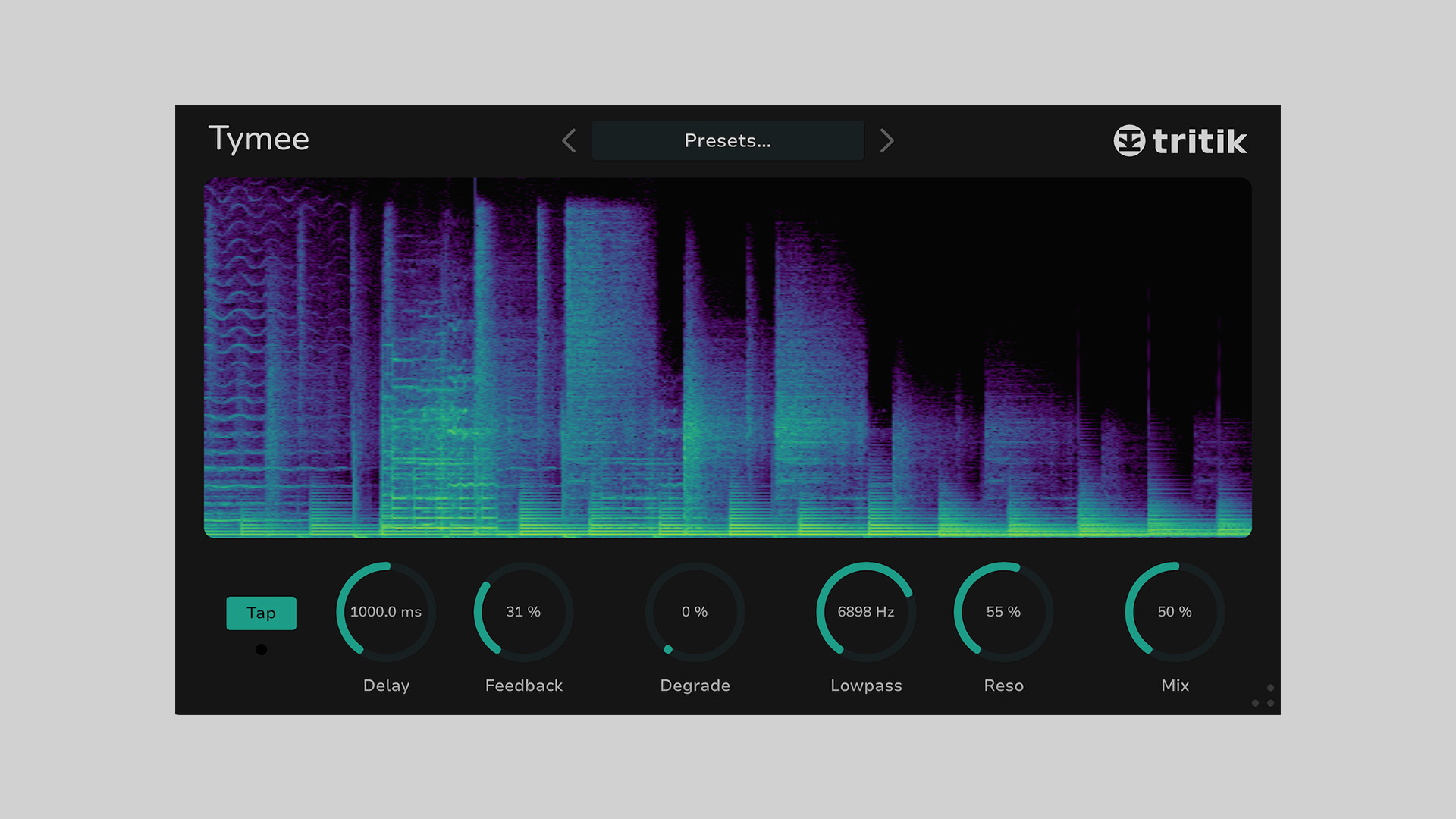
    Tymee features a 10-second delay line, complete with tap tempo functionality for syncing delay times easily with your track. It also includes a down-sampler, a resonant low-pass filter, and a built-in spectrogram for real-time visual feedback.

    Originally developed as a teaching tool for audio programming at a university, the plugin’s inclusion of a spectrogram was intended to aid in education—but it also brings a visual edge that enhances the creative process.

    Features

    • Delay line up to 10 seconds
    • Tap tempo functionality
    • Down-sampling control
    • Resonant low-pass filter
    • Built-in spectrogram for real-time visualization

    System Compatibility

    Tymee is available for both Windows and macOS systems:

    • macOS: VST, VST3, AU, AAX
    • Windows: VST, VST3, AAX

    Free Download

    Tymee delay plugin is available now as a free download from Tritik’s official website.

  • UnplugRed Releases Magic Carpet Free Delay Plugin

    UnplugRed Releases Magic Carpet Free Delay Plugin

    UnplugRed has introduced Magic Carpet, a free delay plugin available in both free and paid versions. The plugin can be accessed through Patreon, offering unique delay processing capabilities.

    Unique Delay Processing

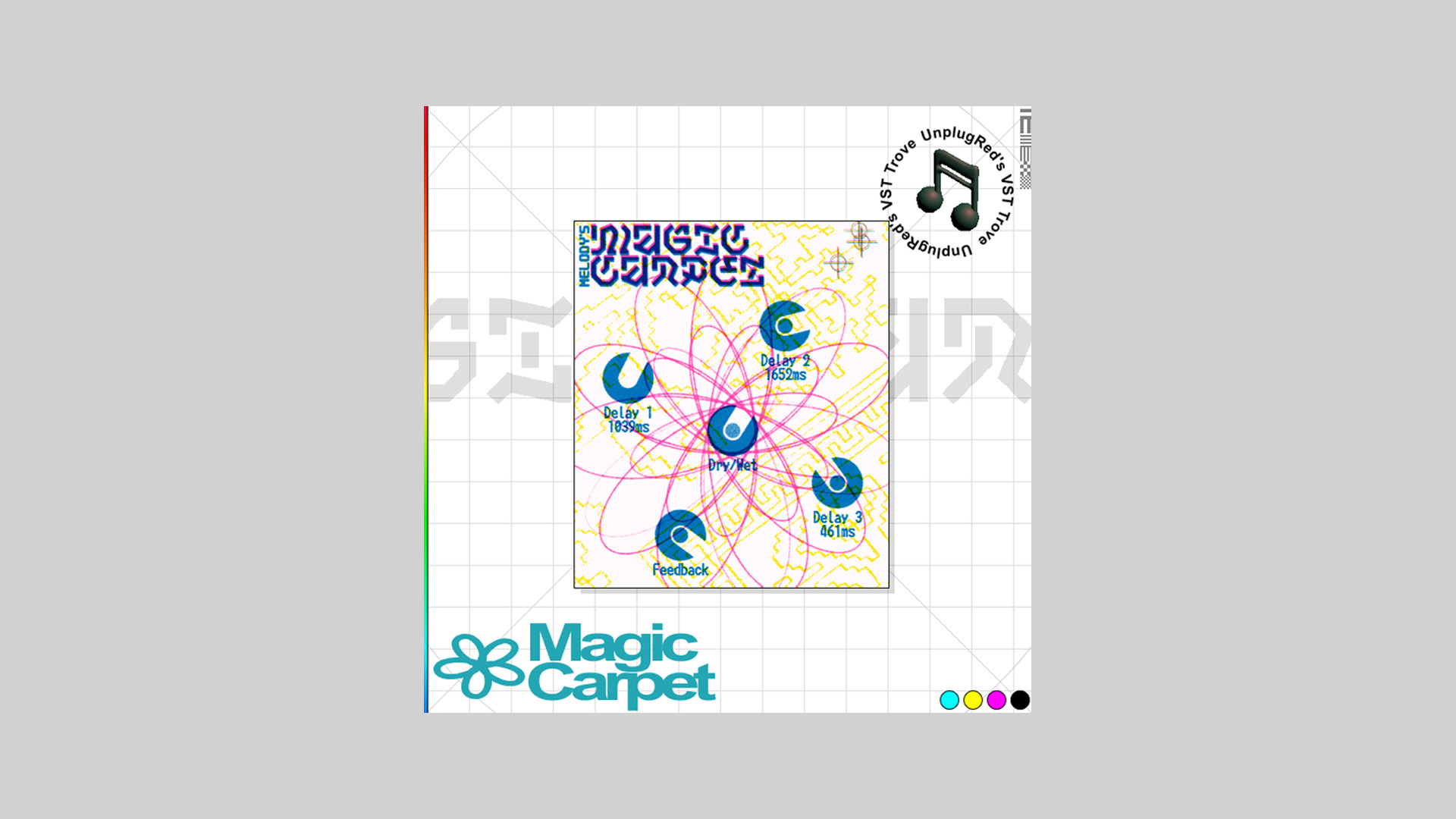
    Magic Carpet features three delay lines with a shared feedback path. This design creates a delay effect that starts sparsely but gradually becomes denser with each repetition, producing a full and immersive sound without noticeable gaps.

    Noise Mode for Experimental Sounds

    In addition to its delay functionality, Magic Carpet includes a noise mode, which can be enabled via the right-click menu. This mode pushes the feedback to unstable levels, generating chaotic and loud noise textures for experimental sound design.

    Free Download

    Magic Carpet is available in both free and paid versions. Visit UnplugRed’s Patreon to access the plugin and explore its creative delay capabilities.

  • Get QFX Echo Free for a Limited Time From 2B Played Music

    Get QFX Echo Free for a Limited Time From 2B Played Music

    2B Played Music is offering QFX Echo as a free download for a limited time. Normally priced at $19.00, this one-knob delay plugin can be claimed using the code ECHO25 at checkout. The offer expires on February 25th.

    Simple Yet Powerful Delay Processing

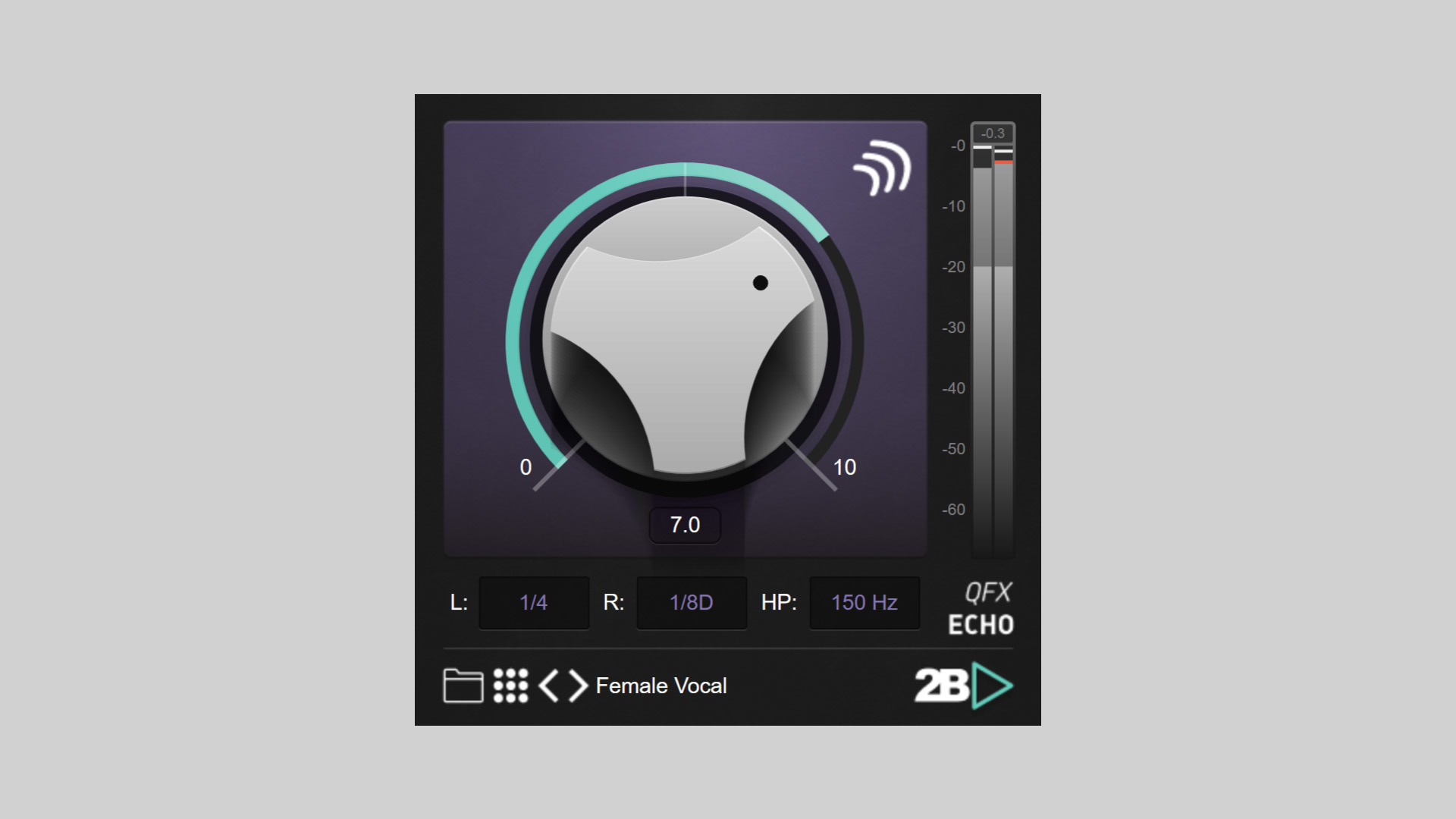
    QFX Echo is designed to make delay effects effortless, allowing users to add depth and dimension to their tracks with a single knob. Whether applied to vocals, synths, or other elements, this plugin ensures professional-quality delay effects without the need for complex adjustments.

    Features

    • Independent Delay Settings: Customize delay times separately for the left and right channels to achieve a unique stereo image.
    • High-Pass Filter: Adjust the delay effect to suit vocals, synths, and more for a tailored sound.

    Claim Your Free Copy

    QFX Echo is free until February 25th and is available for PC and Mac in VST3 and AU formats. Use the code ECHO25 at checkout on 2B Played Music’s website to get your copy today.

  • A1PrimeDelay Available Free for a Limited Time

    A1PrimeDelay Available Free for a Limited Time

    A1PrimeDelay, a cool delay plugin by A1Audio, is being offered for free for a limited time. This delay plugin provides an advanced delay effect with unique features.

    Key Innovations

    Nova Soft-Transient Engine

    The Nova Soft-Transient Engine provides precise transient detection and softening, even for complex audio material like overlapping notes, chords, or submixes. Unlike many other delay plugins, A1PrimeDelay avoids unwanted distortion while delivering smooth and natural-sounding results.

    This advanced processing operates with zero latency in regular mode, making it ideal for real-time applications where precision is critical.

    Instant Stereo Magic

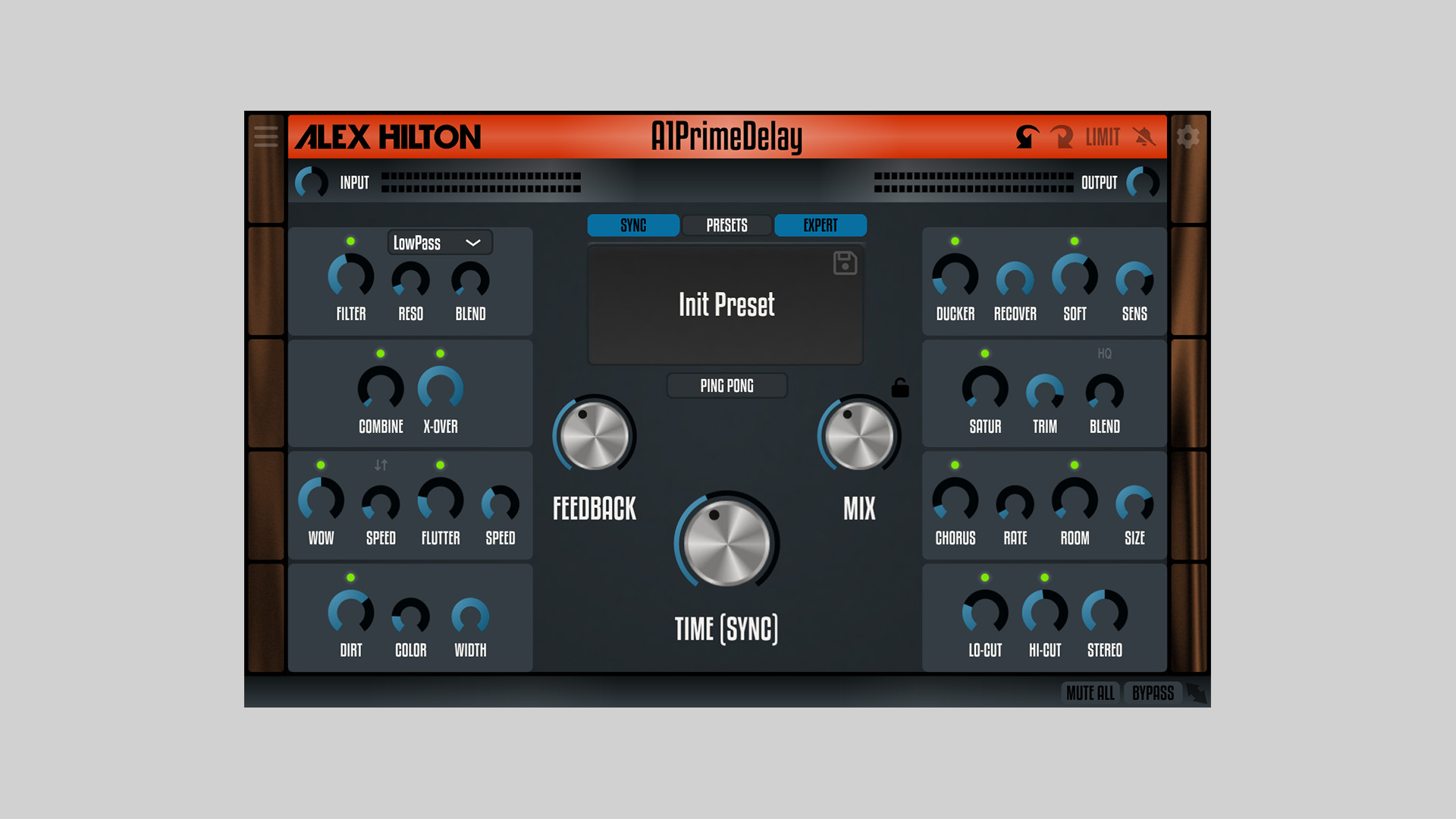
    A1PrimeDelay includes tape-like WOW and Flutter modulations, which, when used in ‘unaligned’ mode, transform mono input signals into rich stereo delays. For users seeking quick results, the EASY mode simplifies settings to just three main controls for an intuitive workflow.

    Features

    • Analog-style resonant filter in feedback loop (LowPass, BandPass, HighPass)
    • Ducker for enhanced dynamics
    • Transient softening for smooth delays
    • High-quality saturation with oversampling
    • Additional chorus and room reverb
    • Dedicated low- and high-cut filters
    • WOW and Flutter modulation
    • Built-in stereo widener

    Download A1PrimeDelay for Free

    A1PrimeDelay is available free for a limited time. Use the coupon code A1PRIMEDELAY-FREE-1-2 at checkout to claim your copy. Visit A1Audio’s website to download it today.

  • Ewan Bristow Releases EB-CatNip Free Frequency Shifting Delay

    Ewan Bristow Releases EB-CatNip Free Frequency Shifting Delay

    Ewan Bristow has introduced EB-CatNip, a frequency shifting delay device featuring some unique features. Built entirely in Plugdata, this plugin offers a fully modifiable and experimental approach to sound design.

    Built for Creative Exploration

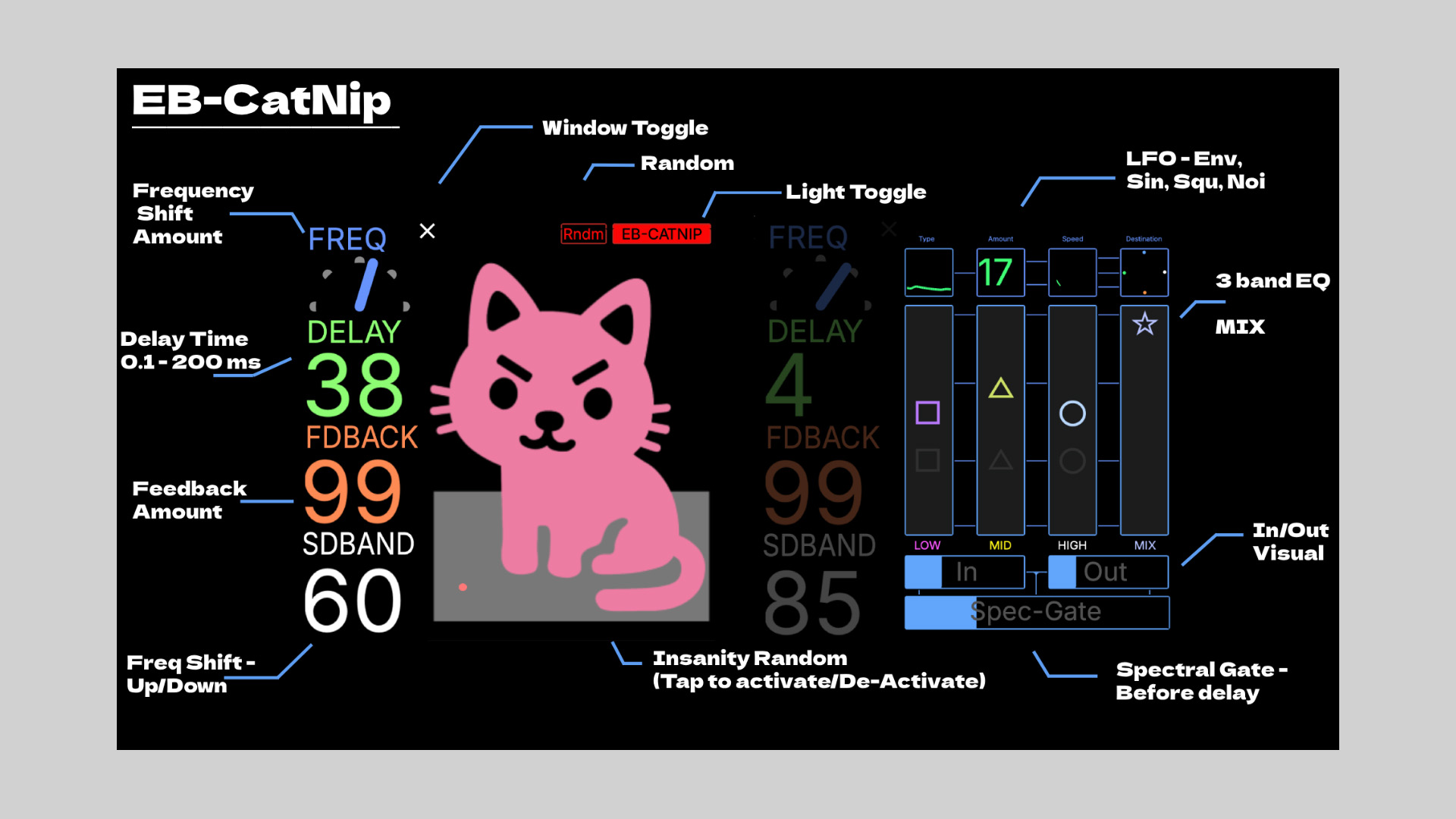
    EB-CatNip is a playground for sound manipulation, delivering dynamic delay effects with frequency shifting. Its open-source design allows users to tweak and modify it within Plugdata, making it a versatile tool for producers and experimental artists.

    Features

    • Frequency shifting delay with unique modulation
    • Fully modifiable within Plugdata
    • Runs as a VST, CLAP, AU, and LV2 plugin
    • Requires Plugdata (free software) to operate

    Free Download

    EB-CatNip is available for free and runs inside Plugdata, which supports multiple plugin formats. You can download the EB-CatNip on Ewan Bristow’s website.