Tag: utility

  • Parish Audio Releases Stereo Control Plugin – Free for a Limited Time

    Parish Audio Releases Stereo Control Plugin – Free for a Limited Time

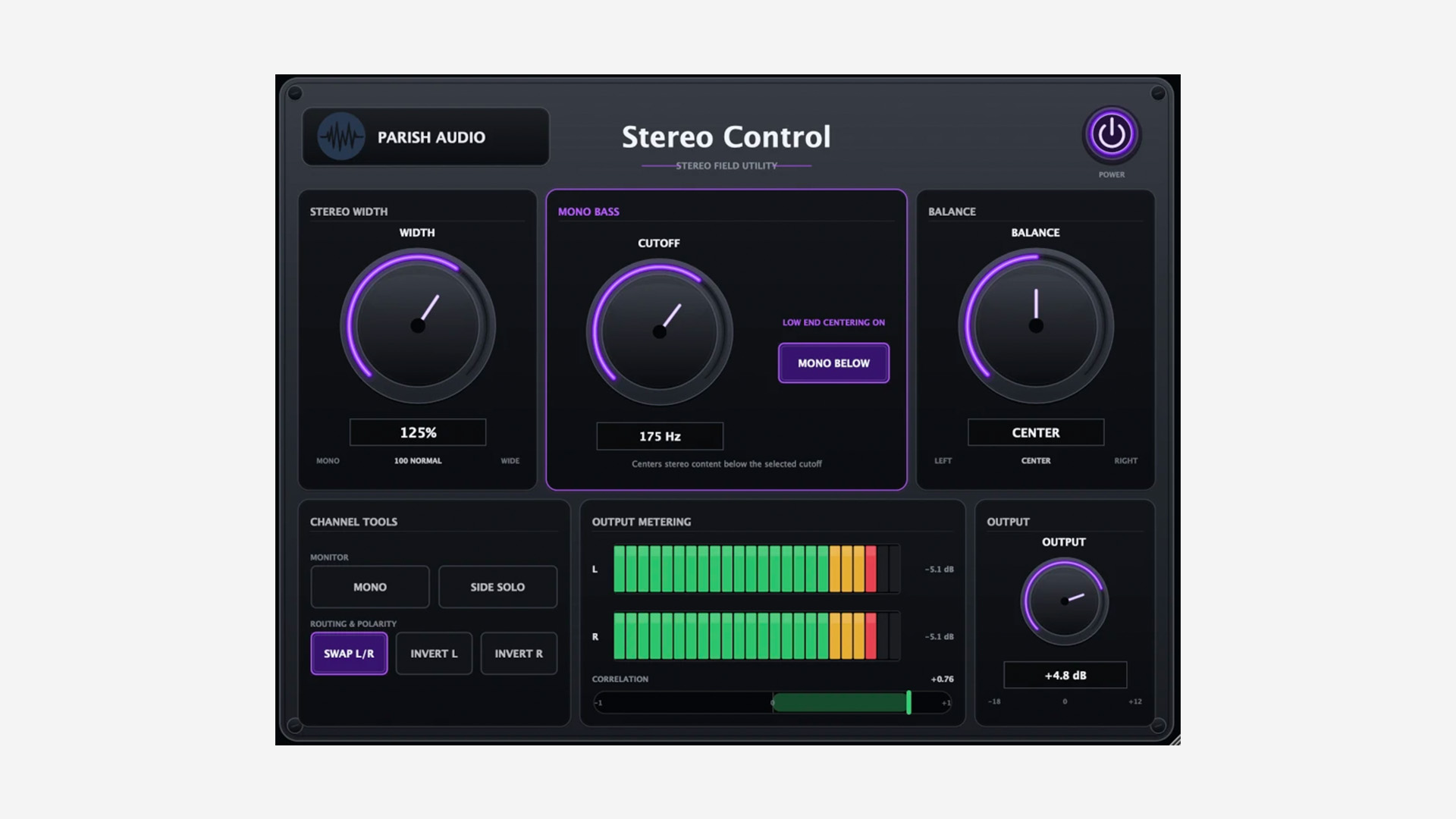
    Parish Audio has released Stereo Control, a stereo imaging and utility plugin for Windows and macOS – currently available as a free download for a limited time.

    A Simple Stereo Utility for Everyday Mixing

    Stereo Control brings several useful stereo tools into one compact plugin. The Width control runs from full mono up to 200%, so you can tighten an overly wide signal or push it further out into the stereo field.

    There is also a Mono Bass section that centers frequencies below an adjustable cutoff while leaving the upper part of the signal in stereo. This can be useful on synths, loops, reverbs, or even the master bus when the low end needs a bit more focus.

    Useful Monitoring Tools Built In

    The plugin also includes several handy monitoring options. You can switch the signal to mono, solo the Side information, swap the left and right channels, and invert the polarity of either channel independently.

    Side Solo is especially useful when checking what actually lives outside the center of a mix. Combined with the stereo correlation meter, it gives you a quick way to catch width and phase issues before they become a problem.

    Simple and Practical

    Parish Audio has kept the interface straightforward. Alongside the imaging and monitoring controls, you also get balance, output gain, left/right level meters, a stereo correlation meter, and a resizable interface.

    It looks like the kind of utility plugin that can quietly live on tracks, groups, stereo effects, or the master bus without getting in the way.

    Features

    • Stereo width control from mono to 200%
    • Adjustable Mono Bass section
    • Balance control
    • Mono monitoring
    • Side Solo
    • Left/right channel swap
    • Independent left and right polarity inversion
    • Output gain
    • Left/right output meters
    • Stereo correlation meter
    • Resizable interface

    Plugin Formats

    Stereo Control is available in VST3 format for Windows, and in VST3 and AU formats for macOS.

    Free Download

    Stereo Control is available as a free download for a limited time from the Parish Audio website.

  • Dead Robot Releases DR Solo v1 Free Mid/Side Monitoring Plugin

    Dead Robot Releases DR Solo v1 Free Mid/Side Monitoring Plugin

    Dead Robot has released DR Solo v1, a free utility plugin for monitoring stereo, mid, and side channels. It is available for Windows and macOS in VST2, VST3, and AU formats.

    A Simple Tool for Mid and Side Checking

    DR Solo v1 is a plugin built for one specific job: making mid and side monitoring easier. It uses a simple 3-button layout for switching between stereo, mid, and side channel listening modes.

    That may sound basic, but tools like this can be genuinely useful on a master bus, especially when checking mix balance, stereo width, and mono information. It can also help when referencing other tracks and trying to hear how their center and side content are distributed.

    Side Monitoring With a Practical Twist

    One detail that stands out is the option to play the side channel back in mono, which makes isolated side information easier to judge, since hard-panned side content can otherwise sound a bit strange or distracting when monitored on its own.

    As a result, DR Solo v1 looks like a small but practical utility for engineers and producers who want a quicker way to inspect stereo information without setting up a more complex routing chain.

    Features

    • Free mid and side monitoring plugin
    • 3-button interface for stereo, mid, and side soloing
    • Side channel can be monitored in mono
    • Useful for master bus checking and reference listening
    • Also useful for creative channel isolation

    Plugin Formats

    DR Solo v1 is available in VST3 and VST2 formats for Windows and macOS, plus AU for macOS. It requires macOS 10.13 or later and Windows 10 or later.

    Free Download

    DR Solo v1 is available as a free download from Dead Robot’s Gumroad.

  • Waves Has Released “Curves Resolve” Plugin: Free For 48 Hours!

    Waves Has Released “Curves Resolve” Plugin: Free For 48 Hours!

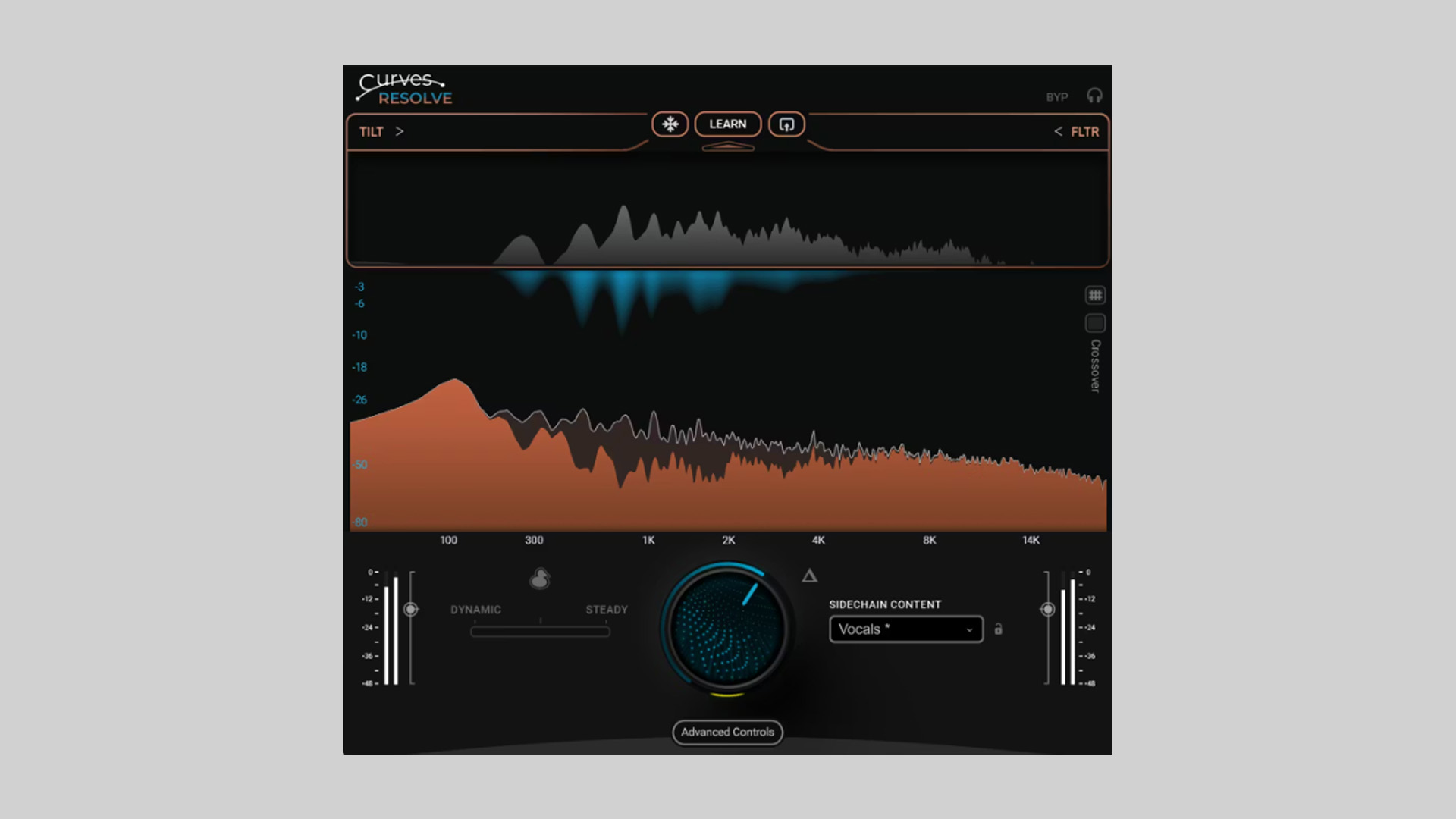
    Waves has released Curves Resolve, a conflict‑solver plugin that cleans up masking between tracks by carving space only where clashes actually occur. For a limited 48‑hour window, it’s available as a free download for Windows and macOS (VST3/AU/AAX).

    Mix Clarity Without Guesswork

    Instead of broad EQ cuts that affect a sound all the time, Curves Resolve listens to a sidechain source and applies carving only when frequencies collide, either dynamically in real-time or from a learned snapshot. You can keep the musicality of each part while letting them sit together without mud or congestion.

    Features

    • Solve mix conflicts quickly with sidechain‑aware carving
    • Dynamic (real‑time) and steady (learned) modes
    • Intelligent ducking: wide “classic” or frequency‑specific “smart”
    • Snapshot modes tuned for common instruments
    • Sidechain adjustment controls for fine targeting
    • Includes Curves Resolve Live (zero‑latency version)
    • Formats: VST3, AU, AAX on Windows & macOS

    Free Download

    Curves Resolve plugin is free for 48 hours from the Waves website in VST3/AU/AAX formats for Windows and macOS.

  • 194db Audio Releases VoxRelief Lite Free Vocal Processing Plugin

    194db Audio Releases VoxRelief Lite Free Vocal Processing Plugin

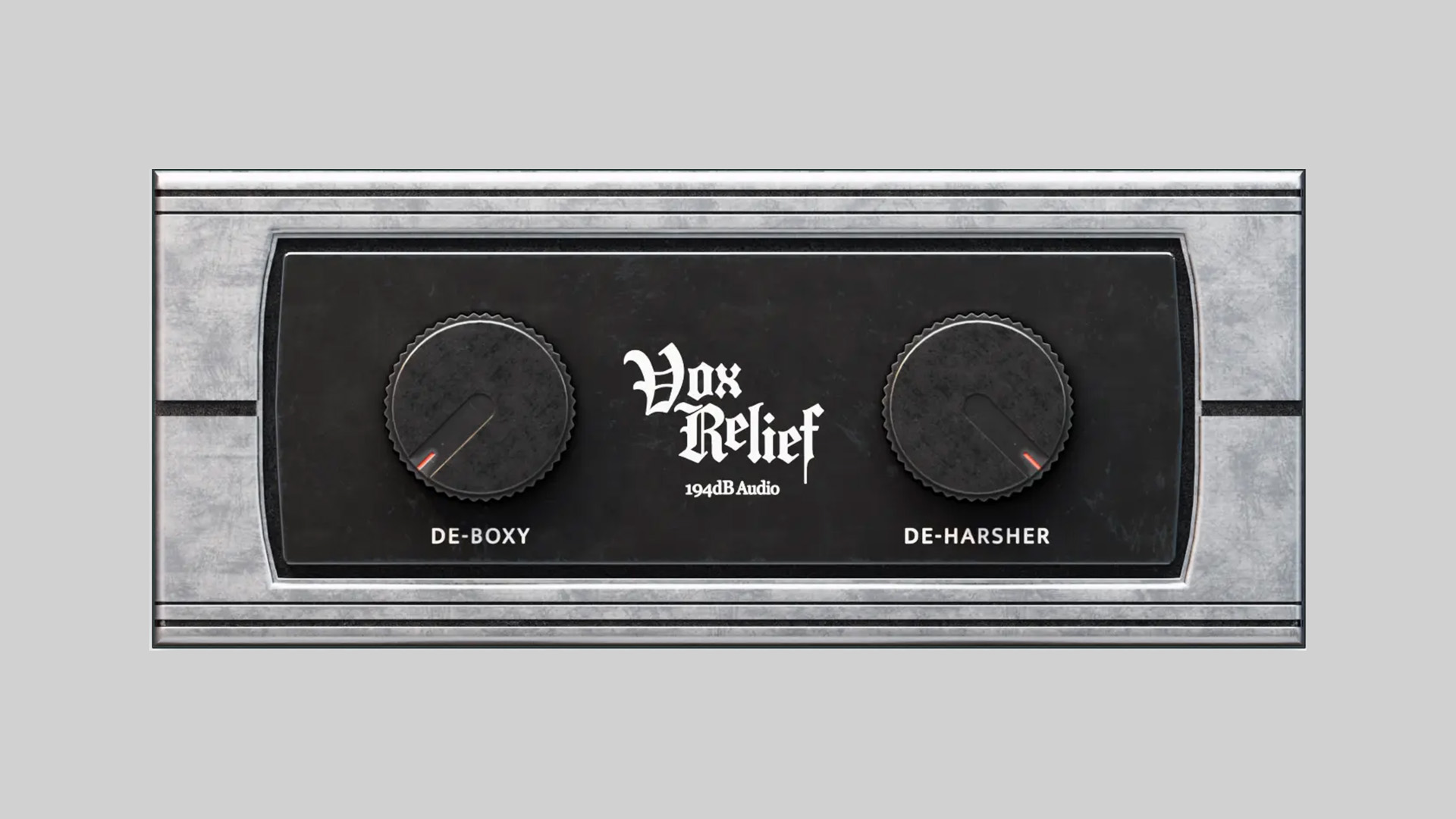
    194db Audio has released VoxRelief Lite, a free vocal-fixing & processing plugin designed to make vocals sit in the mix faster. Instead of building long EQ and multiband chains, you get a couple of focused controls that clear mud and smooth harshness while keeping the performance intact.

    Clearer Vocals, Fewer Plugins

    The idea is simple: reduce low‑mid boxiness and tame sharp highs without flattening dynamics or dulling tone. In practice, it feels a bit like moving the mic to a better spot, less corrective surgery, more subtle reshaping, so the vocal lands naturally in the track.

    Features

    • DE‑BOXY: Reduces low‑mid buildup from proximity effect/room coloration without the carved‑out EQ sound
    • DE‑HARSHER: Smooths piercing top end while preserving brightness and detail
    • Fast results with minimal controls; keeps nuance and dynamics intact
    • Formats: VST3, AU, and AAX for Windows & macOS

    Free Download

    VoxRelief Lite vocal processing plugin is available as a free download for Windows and macOS (VST3/AU/AAX). More information on the 194db Audio website.

  • PSP Audioware Releases PSP stereoAnalyser2 Free Metering Plugin

    PSP Audioware Releases PSP stereoAnalyser2 Free Metering Plugin

    PSP Audioware has released PSP stereoAnalyser2, a free metering plugin that provides a clear picture of your stereo image and level structure. Whether you’re tracking, mixing, or putting the final touches on a master, it gives fast, reliable feedback so you can make confident decisions without the second‑guessing phase, width, or balance.

    Stereo Insight, At A Glance

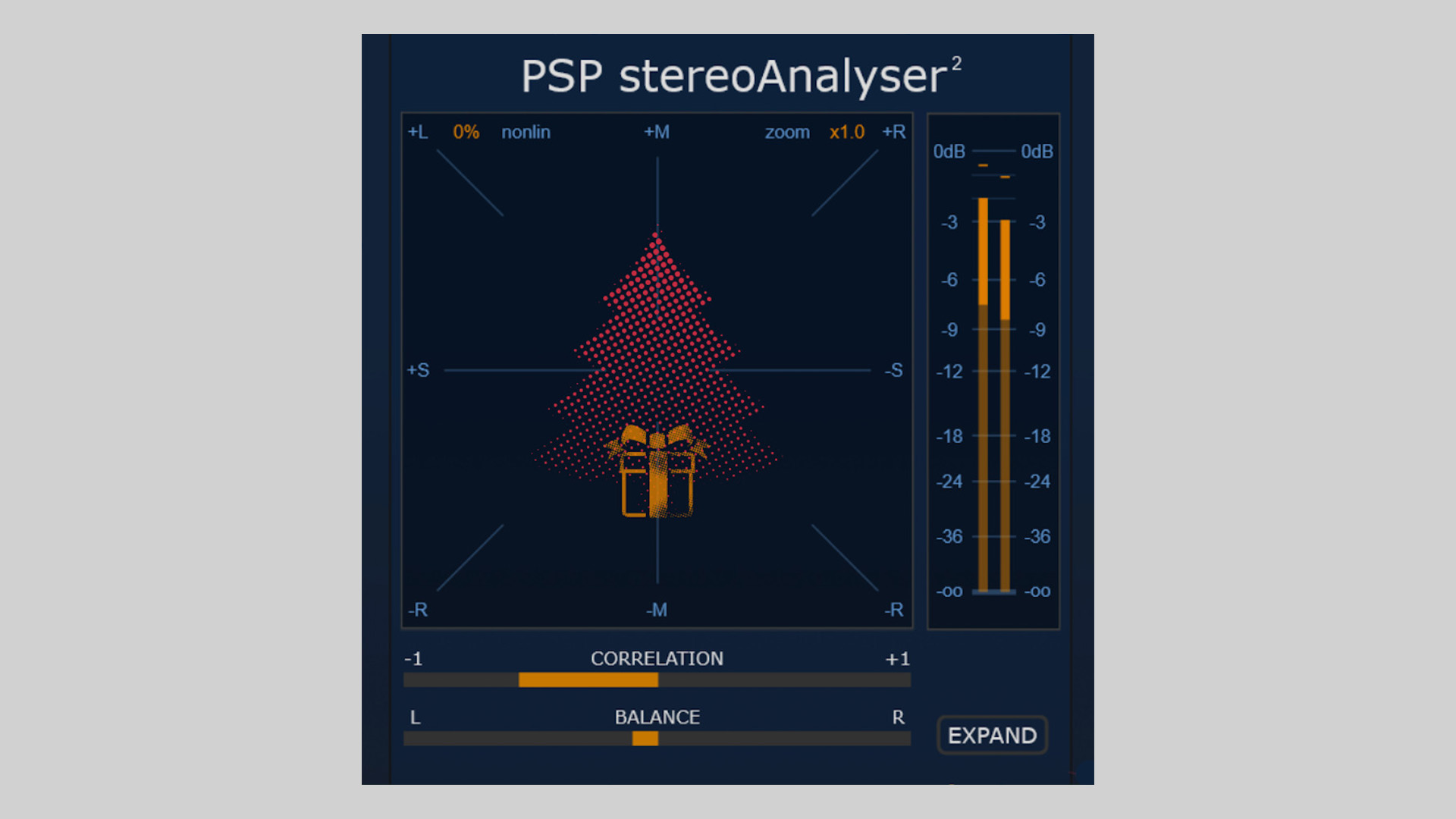
    At the core is a responsive goniometer (X‑Y scope) for visualizing stereo width, phase, and polarity in real time. Peak and RMS meters keep overall loudness in check, while a correlation meter helps you assess mono compatibility at a glance. There’s also a balance meter to show left/right energy distribution, plus frequency‑limited monitoring so you can focus on just the lows or highs when you need to troubleshoot. Zoomable scopes and nonlinear display shaping make it easy to read the data quickly.

    If you’re tightening low‑end, checking for phasey wide pads, or making sure a vocal sits center, stereoAnalyser2 is a practical tool to keep on the master bus, or on problem tracks, throughout the session.

    Features

    • Goniometer (X‑Y scope) for stereo width, phase, and polarity
    • Digital Peak and RMS meters for precise level monitoring
    • Correlation meter for mono compatibility checks
    • Balance meter for left/right distribution
    • Frequency‑limited monitoring with adjustable HP/LP filters
    • Adjustable scope zoom and nonlinear display shaping
    • Monitoring mode for auditioning the filtered band
    • Resizable GUI, preset browser, A/B, and undo/redo
    • 64‑bit internal processing; sample rates up to 384 kHz
    • Formats: VST2, VST3, AU, AAX on Windows & macOS

    Free Download

    PSP stereoAnalyser2 metering plugin is available as a free download from the PSP Audioware website for Windows and macOS.

  • Sonatura Audio Releases Superhet Free Heterodyning Plugin

    Sonatura Audio Releases Superhet Free Heterodyning Plugin

    Sonatura Audio has introduced Superhet, a unique and experimental free plugin that brings the process of heterodyning into the digital audio workstation environment for the first time. Superhet opens the door to new sonic possibilities by utilizing a century-old concept in an entirely modern format.

    Explore the Power of Heterodyning

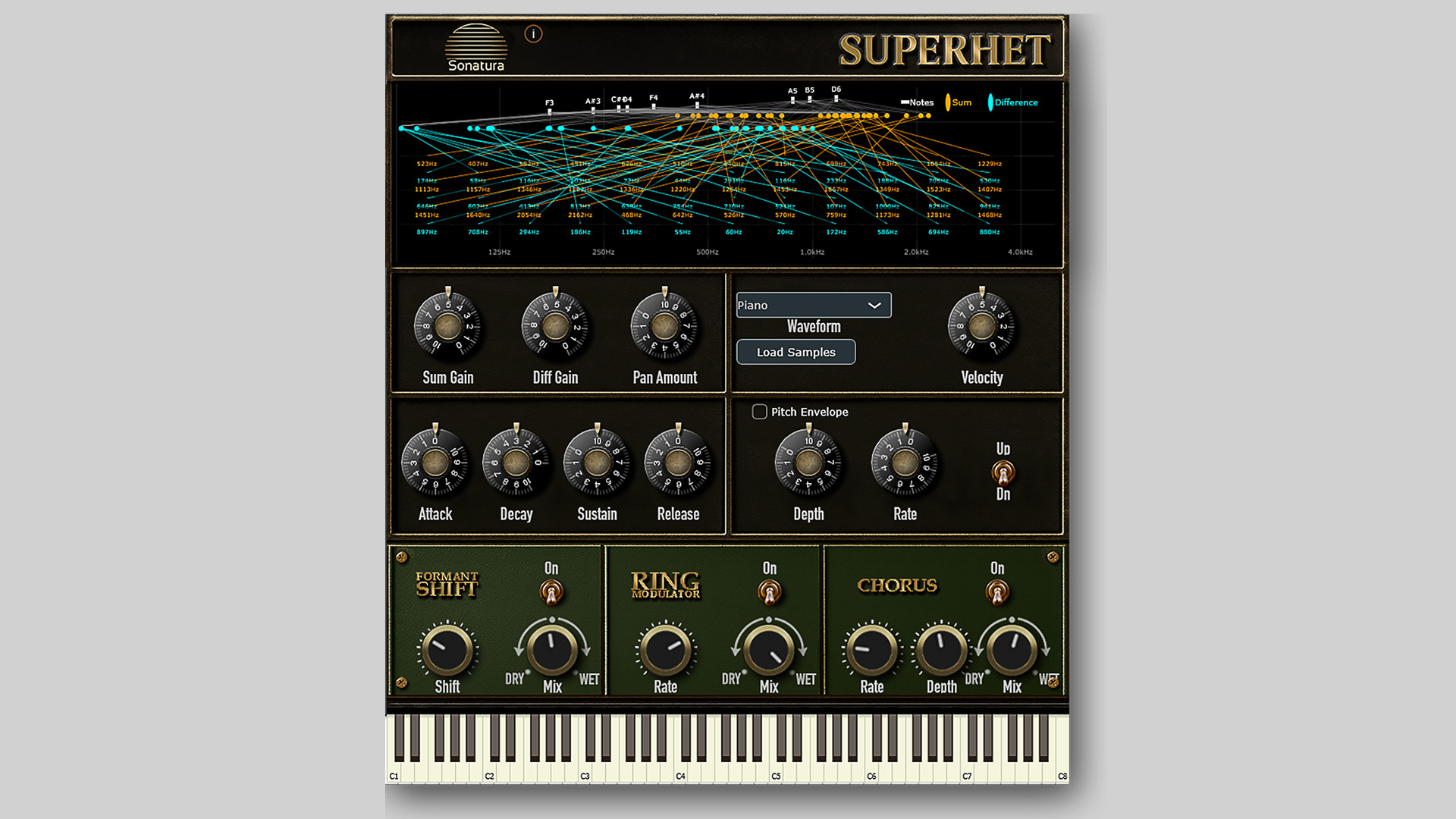
    Heterodyning, a technique first developed in 1901 by Reginald Fessenden to assist in receiving radio transmissions, involves the creation of two new frequencies by combining two input frequencies. Superhet applies this principle musically by taking any two pitch inputs and generating both their sum and difference, producing fresh, unexpected tones that can dramatically expand a producer’s sound palette.

    For example, combining a 440Hz tone with a 643Hz tone results in two completely new frequencies: 1083Hz and 203Hz. The original tones disappear, leaving behind this newly generated harmonic content.

    Designed for Experimental Sound Design

    Superhet is not based on musical notes but rather on pure pitch. This pitch-based approach allows producers to explore uncharted musical territory, working outside of traditional scales and note values. The plugin includes a visual pitch display, letting users monitor all active frequencies in real time, and every parameter is fully automatable.

    Other features include:

    • Sum and Difference pitch generation
    • Selectable waveforms for tone shaping
    • Full ADSR amplitude control
    • Pitch envelope for further modulation
    • Visualizer for frequency monitoring

    Superhet’s interface invites experimentation, encouraging producers to explore and create sounds that have never been heard before. Whether you’re composing ambient textures, designing effects, or crafting avant-garde pieces, this plugin offers a fresh approach to sound design.

    Free Download

    Superhet heterodyning plugin is available as a free plugin for macOS and Windows in VST3 and AU formats. You can download it now from the Sonatura Audio website.

  • Noisebud Releases 360 – Creative Phase Rotation Plugin for Mixing (Free)

    Noisebud Releases 360 – Creative Phase Rotation Plugin for Mixing (Free)

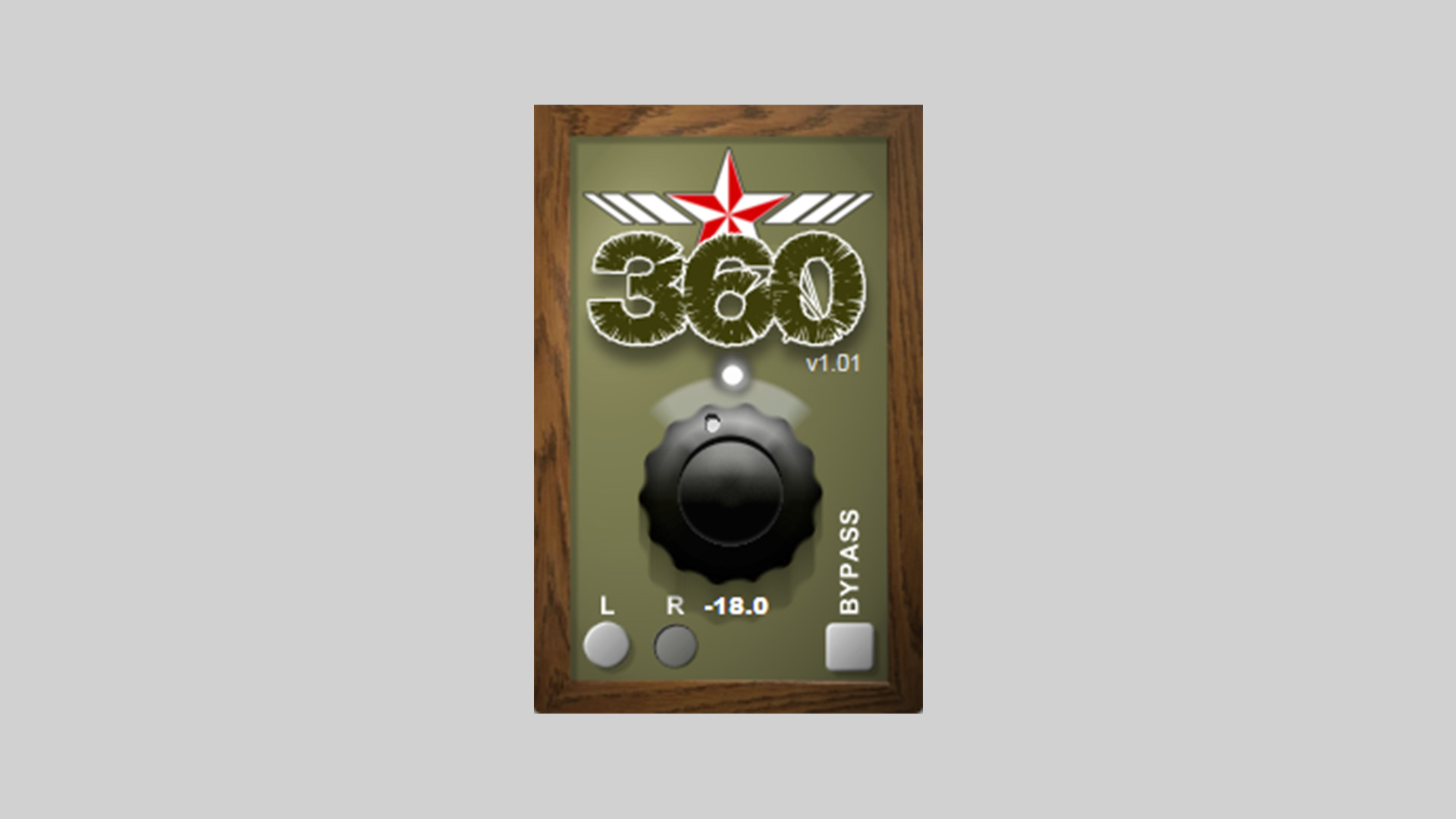
    Noisebud has introduced 360, a full-band phase rotation plugin designed with mixing engineers in mind. It’s available as a free download via Patreon and was developed by community request.

    A No-Nonsense Phase Tool for Mix Engineers

    Unlike standard phase plugins that rely on all-pass filters and frequency-dependent behavior, 360 applies equal phase rotation across the entire signal. That means whether you’re trying to correct phase issues or shape your stereo field, 360 gives you precise, predictable results without altering tone or time alignment.

    Where it gets interesting is in the channel options. You can rotate the entire stereo signal, or just the left or right channel. This gives you a surprisingly powerful stereo widening effect, similar to the HAAS technique but without any time delay or echo. Up to about 50 degrees of rotation, it’s completely phase-safe and mono-compatible, even for vinyl mastering.

    Designed for Mixing, Not Mastering

    360 was born from a simple idea requested by one of Noisebud’s Patreon supporters: a straightforward tool for addressing phase in the mix. It’s particularly effective on individual instruments where phase problems sneak in: drum overheads, layered synths, or doubled vocals.

    Although it’s not intended for mastering use, 360 opens the door to subtle stereo enhancements that avoid the usual pitfalls of delay-based effects.

    Free on Patreon

    Noisebud 360 is available as a free download for PC and Mac users (VST3 and AU formats) directly through Noisebud’s Patreon page. Just join for free, and you’ll get access to the installers and additional exclusive content.

    Free Download

    Noisebud 360 phase rotation plugin can be downloaded for free by joining the Noisebud Patreon.

  • Joonas Ylänne Releases Vinyl Scratcher LITE Free Plugin

    Joonas Ylänne Releases Vinyl Scratcher LITE Free Plugin

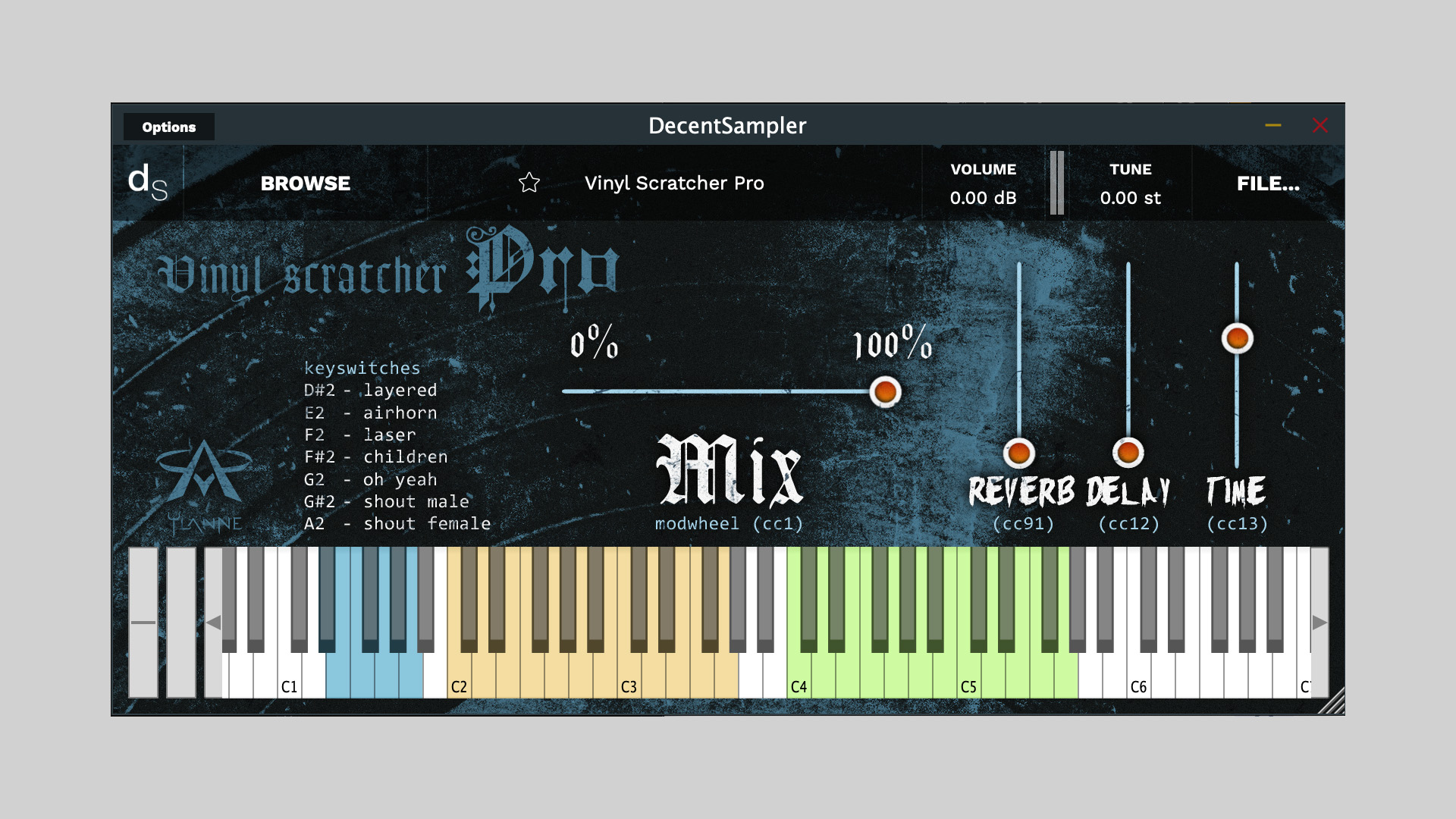
    Joonas Ylänne has released Vinyl Scratcher LITE, a free virtual instrument plugin for Decent Sampler that simulates vinyl scratching in a playable and expressive way. Believed to be the first free virtual instrument designed specifically for scratching, it offers musicians, beatmakers, and composers a unique tool that captures the character of turntable manipulation inside a DAW.

    A New Concept For Scratch Sounds

    Unlike audio manipulation tools or sample packs, Vinyl Scratcher LITE is a playable instrument. It loads inside the free Decent Sampler engine and provides mapped scratch phrases that can be triggered and shaped in real-time. This approach opens creative doors for users looking to add DJ-style textures to music, film scoring, and experimental projects.

    Features

    • Free virtual instrument designed for vinyl scratching
    • Built for Decent Sampler (free player required)
    • Includes mapped scratch samples for real-time triggering
    • Based on custom recordings by the developer
    • Lightweight and easy to integrate into any DAW
    • PRO version with expanded features is also available

    Comparison Between Lite and Pro

    Trailer/Sound examples

    The Story Behind The Instrument

    The idea for Vinyl Scratcher started while Joonas was scoring music for his first full-length film, Vares X. Wanting to incorporate vinyl scratching into a scene, he realized there were no dedicated virtual instruments for the job. After recording scratch sounds himself and experimenting with them, the concept took shape. Although the track didn’t make the final cut, the instrument did, and now it’s freely available for anyone to use.

    Free Download

    Vinyl Scratcher LITE plugin can be downloaded for free at:

  • Chaos Audio Releases Eclipse Free Noise Suppressor Plugin

    Chaos Audio Releases Eclipse Free Noise Suppressor Plugin

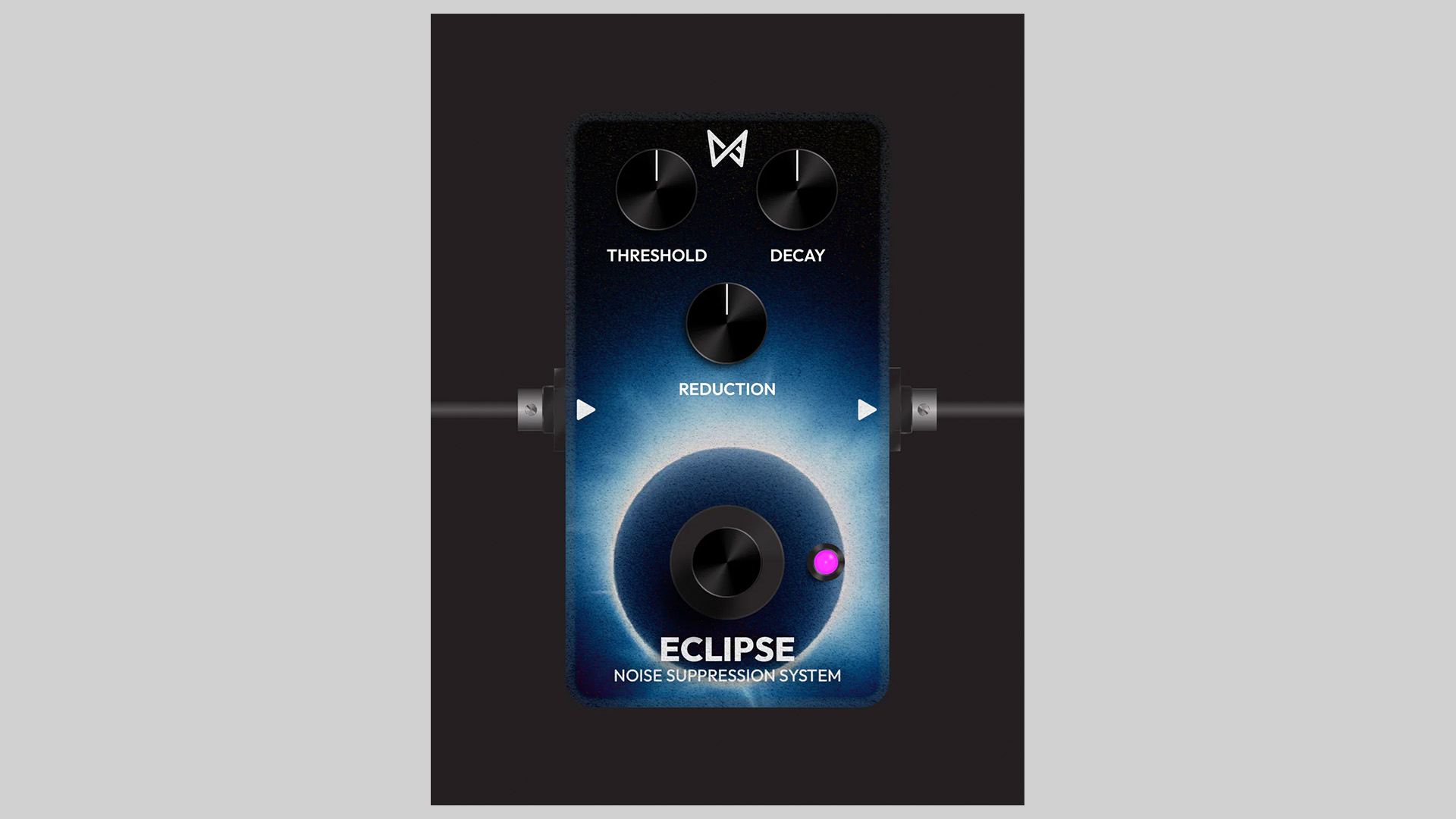
    Eclipse by Chaos Audio is a free noise suppressor plugin that quickly cleans up hiss, hum, and background noise. With three simple controls, it’s an easy way to keep guitars, vocals, and synths noise‑free without over‑processing.

    Simple Controls, Fast Results

    • Threshold: sets the noise cutoff level
    • Decay: determines how fast noise reduction releases after the signal drops below the threshold
    • Reduction: sets how much the signal is attenuated below threshold (max for full noise gate)

    Eclipse focuses on transparent, musical noise control. Dial in a natural release with Decay, use subtle Reduction for light cleanup, or set a hard gate for silent gaps in metal guitars or tight electronic drums.

    Compatibility

    • macOS, Windows, and Stratus (via the Tone Shop Plugin Installer)
    • Works in major DAWs that support the Tone Shop install flow

    Free Download

    Eclipse is free. Install the free noise suppressor plugin through the Tone Shop Plugin Installer from Chaos Audio.

  • sonicriot Releases SR.AnalogGain Free Analog Gain Stage Plugin

    sonicriot Releases SR.AnalogGain Free Analog Gain Stage Plugin

    sonicriot has released SR.AnalogGain, a free and open-source plugin that emulates an analog-style gain stage with practical utilities for mixing and tone shaping.

    Analog-Inspired Gain With Useful Tools

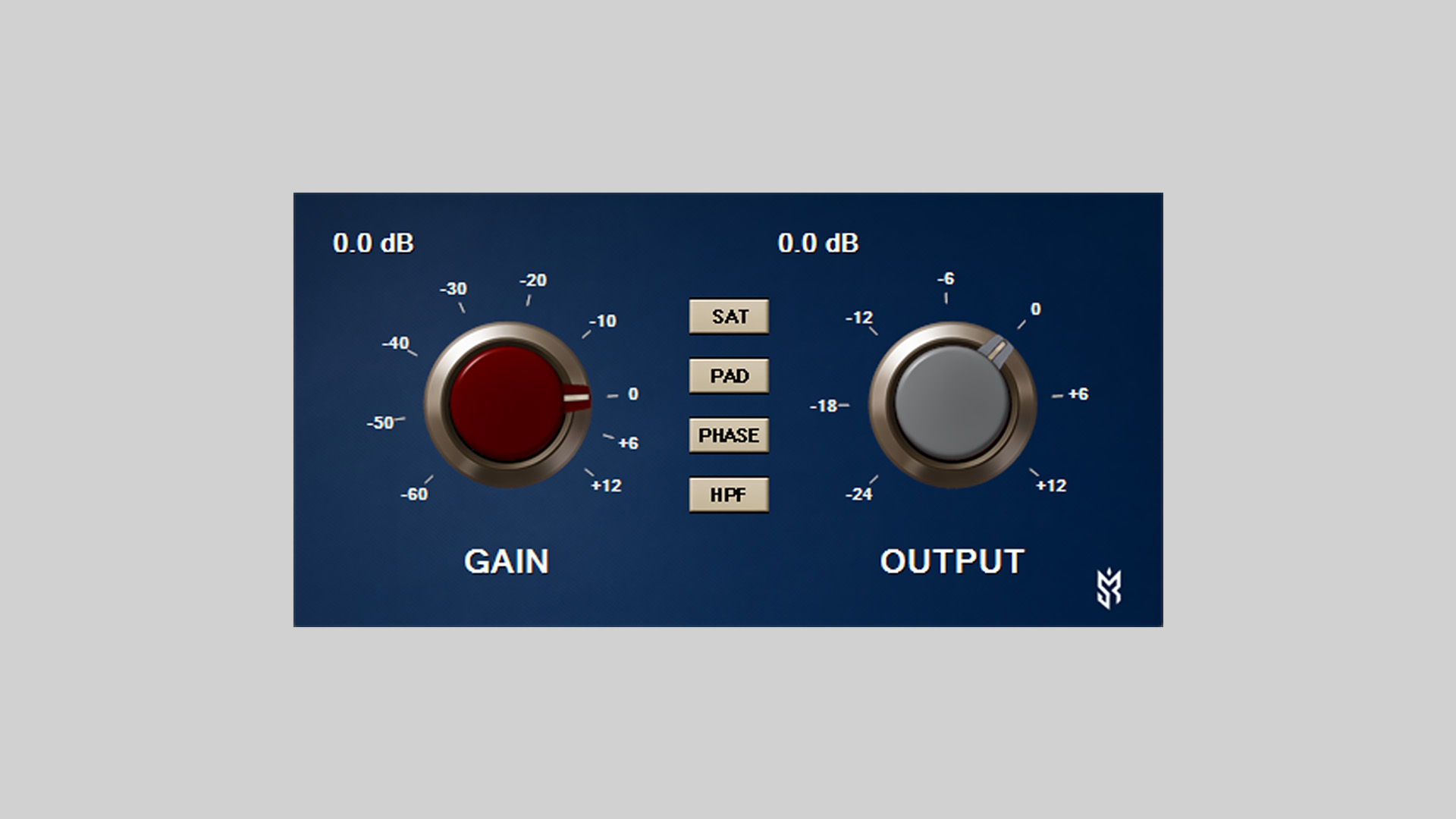
    SR.AnalogGain provides separate Gain and Output controls for proper gain staging, plus a set of analog-style toggles: SAT for harmonics, PAD for pre-attenuation, PHASE for polarity inversion, and an 80 Hz high-pass filter (18 dB/oct). A Lo‑Z input option is also included for shaping tone.

    Features

    • Gain control: attenuation to boost
    • Output level: independent final volume
    • SAT switch: harmonic enhancement with earlier saturation knee, gentle asymmetry/bias, click‑free switching, and subtle +3 dB makeup
    • PAD switch: fixed −20 dB attenuation before the gain stage
    • PHASE switch: click‑free polarity inversion
    • HPF switch: high‑pass around 80 Hz, 18 dB/oct slope
    • Lo‑Z switch for input impedance flavor
    • Custom UI with dual analog knobs, tick marks, dB labels, and animated pointers

    Host Integration

    • VST3 format
    • Tested in Windows VST3 hosts
    • Controller/Processor separation per Steinberg architecture

    Free Download

    SR.AnalogGain is available now as a free, open-source VST3 plugin from sonicriot GitHub.