
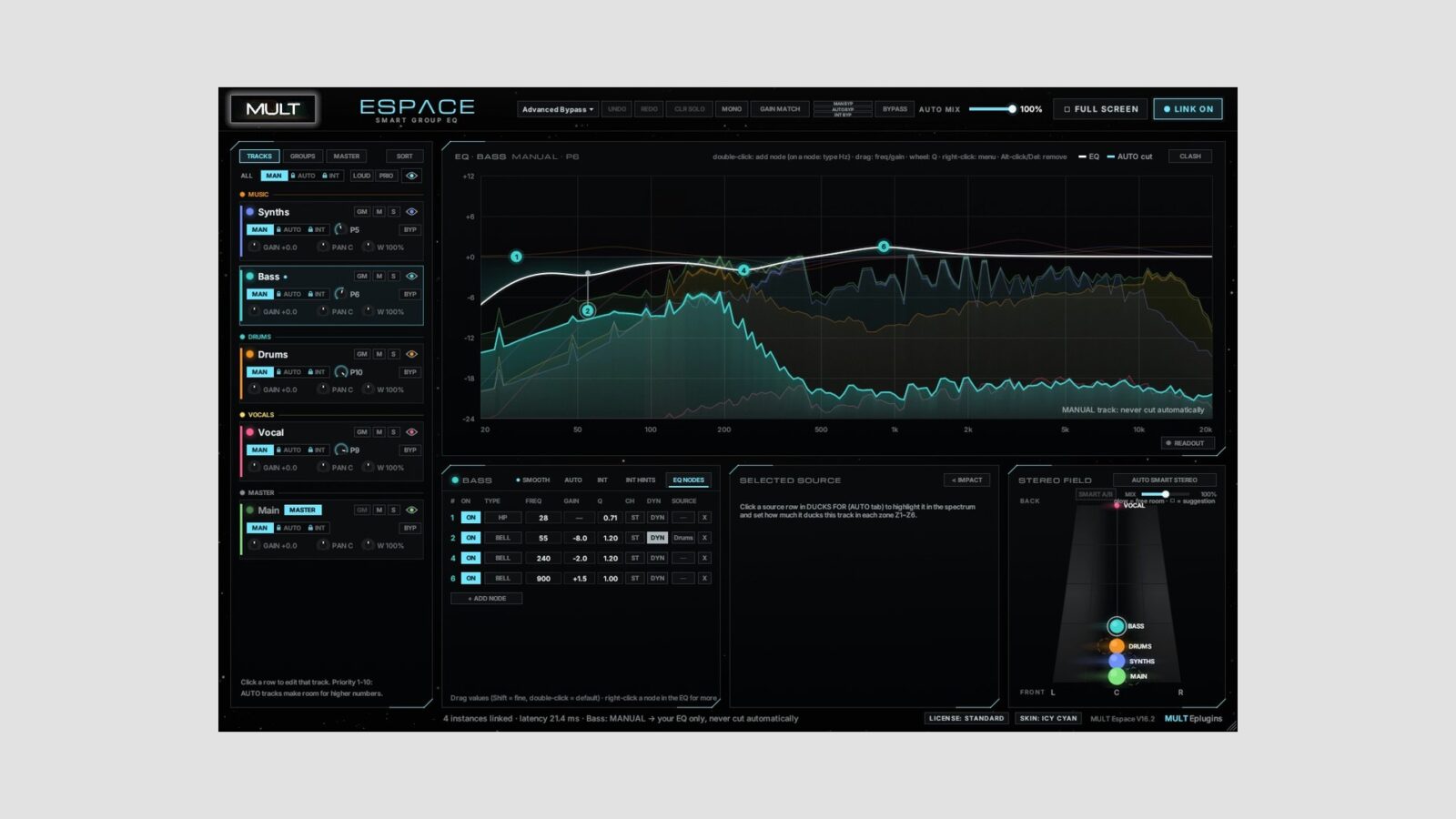
MULT Eplugins has made MULT Espace Free available as a free linked EQ plugin for Windows and Mac. Its main idea is to bring several tracks into one EQ window, so you can compare their frequency balance without opening a different plugin for every channel.
The free edition connects up to four tracks in one group. It includes manual control and dynamic EQ, with no expiry or license key. That makes it a small-scale version of the workflow rather than an unrestricted edition for the whole session.
How the Free Linked EQ Plugin Works
Place an instance on each track you want to connect, within the same DAW project. You can then view and adjust the linked tracks from one instance. For example, a bass, kick, lead, and pad could become a manageable group for comparing overlapping parts.
I’d start with two tracks that actually compete. Listen to them together, decide which part should lead in the problem area, and make one small adjustment. Seeing several spectra at once can help locate a clash, but the display can’t decide which musical detail deserves attention.
Dynamic EQ adds another option when a fixed cut changes too much of the sound. Rather than leave a deep reduction in place throughout a phrase, you can explore a response that changes with the signal. Keep the arrangement playing while comparing it, because a cleaner solo sound may not improve the mix.
What the Free Edition Includes
The developer lists manual mode with dynamic EQ, a four-track limit, and one group for the free version. It doesn’t include a master link. The broader product pages also describe more advanced features and future editions, so it’s worth separating those from this download.
In particular, AUTO and INTUITIVE modes are still marked as coming soon. Their automatic mix decisions, reference matching, and other advertised extras aren’t part of the current free linked EQ plugin. The paid Manual edition also promises unlimited linked tracks.
For simpler tone adjustment on an individual channel, Kuassa BasiQ2 takes a different approach with broad three-band controls. Choose MULT Espace when comparing connected tracks is the useful part of the job.
Get MULT Espace Free
The developer specifies Windows 10/11, 64-bit, or macOS, with a VST3-compatible host. All linked instances must stay within the same project.
Use the Free section on the MULT Eplugins website. The download follows an email signup; the free edition needs no activation key.