
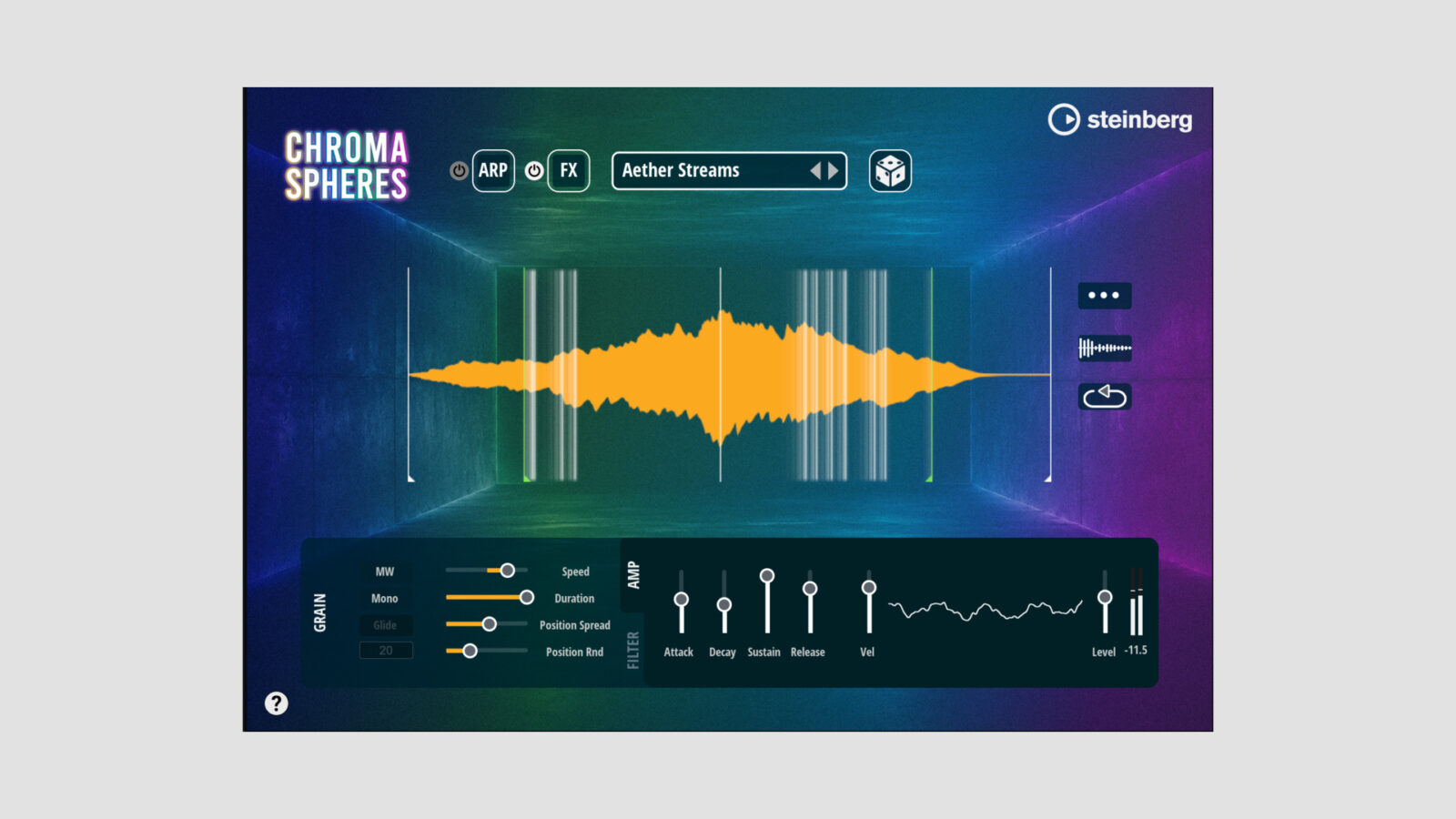
Steinberg has released Chromaspheres, a free sample transformation synth that runs inside HALion Sonic. Drop in a recording, choose one of four synthesis engines, and explore 30 sound-shaping modes built around different ways of rebuilding that audio.
The engines cover granular, wavetable, spectral, and sample-based synthesis. That gives the same recording several possible roles: a playable wavetable, a moving cloud of grains, a sustained spectral texture, or a sample with a different rhythmic and tonal character.
Four Engines in a Free Sample Transformation Synth
The wavetable engine converts an imported sample into a table you can scan. Steinberg also highlights moving formants and retro-style playback, so the result can move away from a straightforward replay of the source.
Granular processing works on smaller pieces of the recording. It lends itself to a different kind of exploration, from pads and evolving textures to more broken, restless material. Start with a recognizable source and change one aspect at a time; otherwise, it becomes hard to connect an interesting result with the setting that produced it.
The spectral engine takes another route, with stretching, blurring, morphing, and freezing of elements within the sound. Meanwhile, the sample engine focuses on reshaping the recording through rhythmic motion, filtering, lo-fi character, and effects.
Those approaches needn’t compete. I’d try a short vocal or percussion recording in each engine before deciding which one deserves a patch. The most useful transformation may come from a detail that barely mattered in the original take.
MPE and the HALion Sonic Requirement
Every mode includes pre-assigned MPE modulation. With a compatible controller, that gives you an expressive starting point without assigning every gesture from scratch. The musical result still depends on the source and the mode you choose.
Chromaspheres works in the free HALion Sonic 7 player, as well as HALion 7. You don’t need to buy the full HALion instrument or use Cubase, but you do need the compatible player installed. It isn’t a separate plugin to copy directly into a VST3 folder.
For processing an existing audio track instead of playing a HALion instrument, our bGrain overview covers a more focused granular effect. The two workflows solve different tasks, even though both start by breaking audio into smaller pieces.
Free Download and Requirements
Use the free-download link on Steinberg’s Chromaspheres page. A Steinberg account and internet connection are required for registration, downloading, and license activation.
The free sample transformation synth needs 260 MB, with extra space for HALion Sonic if you haven’t installed it. Supported systems include 64-bit Windows 10/11 and macOS 11 or later, with native Apple Silicon support. Through its host player, it supports VST3 and AAX on Windows, plus AU on Mac.
Chromaspheres - official Steinberg walkthrough
Loading this video connects to YouTube, which receives your IP address and may use cookies or other storage. Load it only if you agree.