
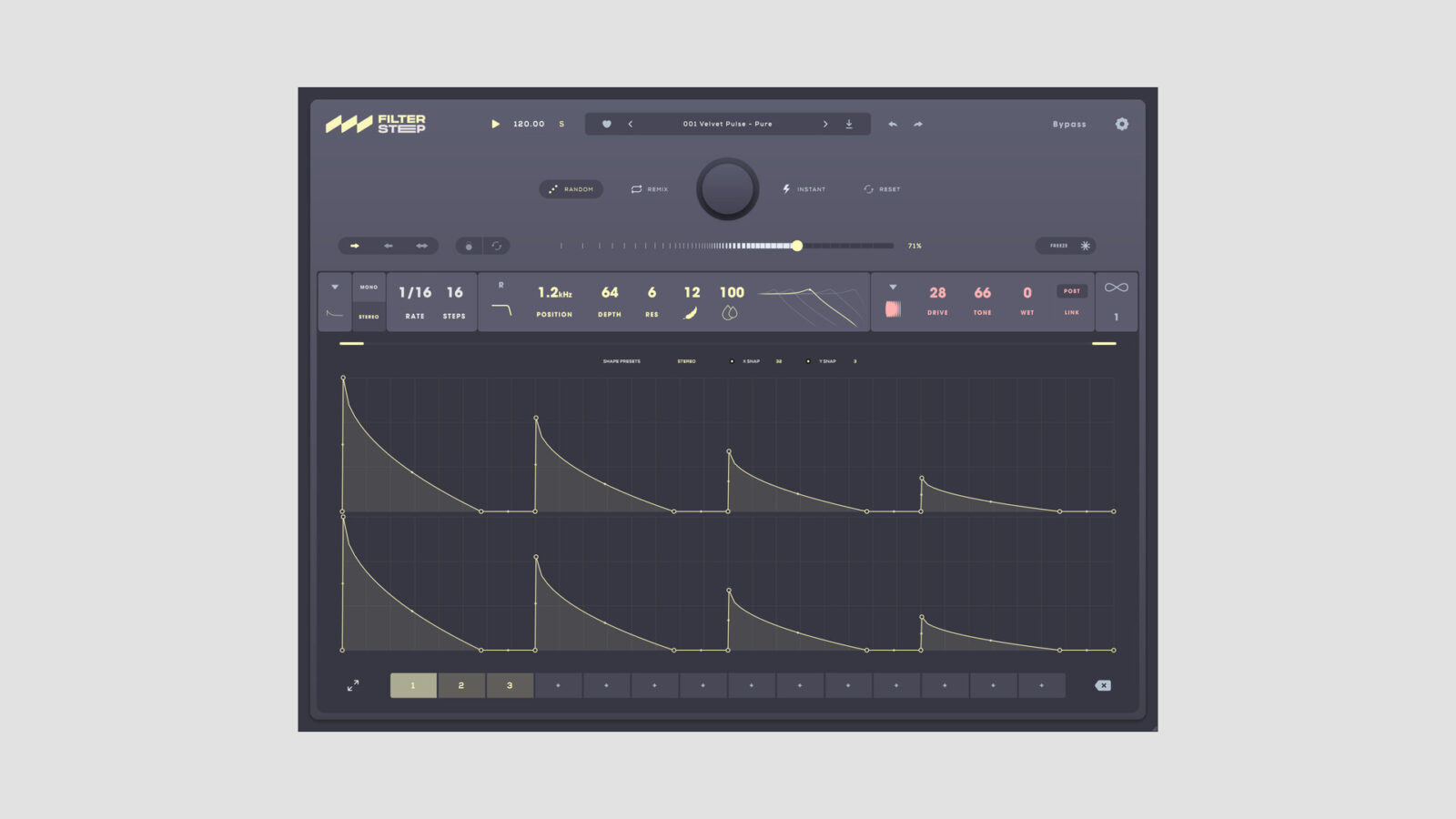
Audiomodern has released Filterstep 2, a free rhythmic filter plugin that combines step sequencing with a new set of creative effects. The desktop release supports Windows and macOS, including VST3, AU, AAX, and standalone operation.
The original Filterstep centered on generating filter movement. Version 2 expands the idea with five sequencing modes, custom filter shapes, and processing that can work before or after the filter. It is still a free download rather than a timed demo.
What the Free Rhythmic Filter Plugin Adds
Random, Remix, and Infinity provide ways to generate and vary patterns. You can then keep a useful result or adjust the shapes yourself. That combination suits a sustained synth chord, a repeating bass phrase, or a drum loop that needs a different rhythmic outline.
The added effect engines are Density, Drive, Crush, Comb, and Lo-Fi. You can move an effect before or after the filtering, blend it into the signal, or link it to the filtered steps. As a result, the sequence can shape the texture as well as the cutoff movement.
I’d begin with a simple source and leave most of the extra processing out. Get the pattern working against the kick and snare, then bring in Drive or Crush if the filtered sound needs more bite. Otherwise, it is easy to mistake a busier result for a better groove.
Audiomodern’s launch video demonstrates the movement and the new interface:
Audiomodern Filterstep 2 official demonstration
Loading this video connects to YouTube, which receives your IP address and may use cookies or other storage. Load it only if you agree.
Sequencing Versus Manual Modulation
The useful part of this design is the relationship between repeated steps and small variations. A consistent pattern can establish the rhythm, while generated changes can provide a different phrase for a fill or transition. You can also keep the movement subtle and use it to shift emphasis inside a loop.
For another approach to animated filtering, Cure Audio Scream combines an LFO with drawable Performer modulation. It focuses on a different filter character, so the comparison is about the workflow and movement rather than identical sound.
Free Download and Requirements
Get the installer through Audiomodern’s free-download page, which asks for an email address to send the links.
- Windows: Windows 10 or newer.
- Mac: macOS 10.14 or newer, including native Apple Silicon support.
- Formats: VST3 and AAX, AU on Mac, plus standalone.
The official product page marks the iPad edition as coming soon. The available desktop version is the one covered here.