
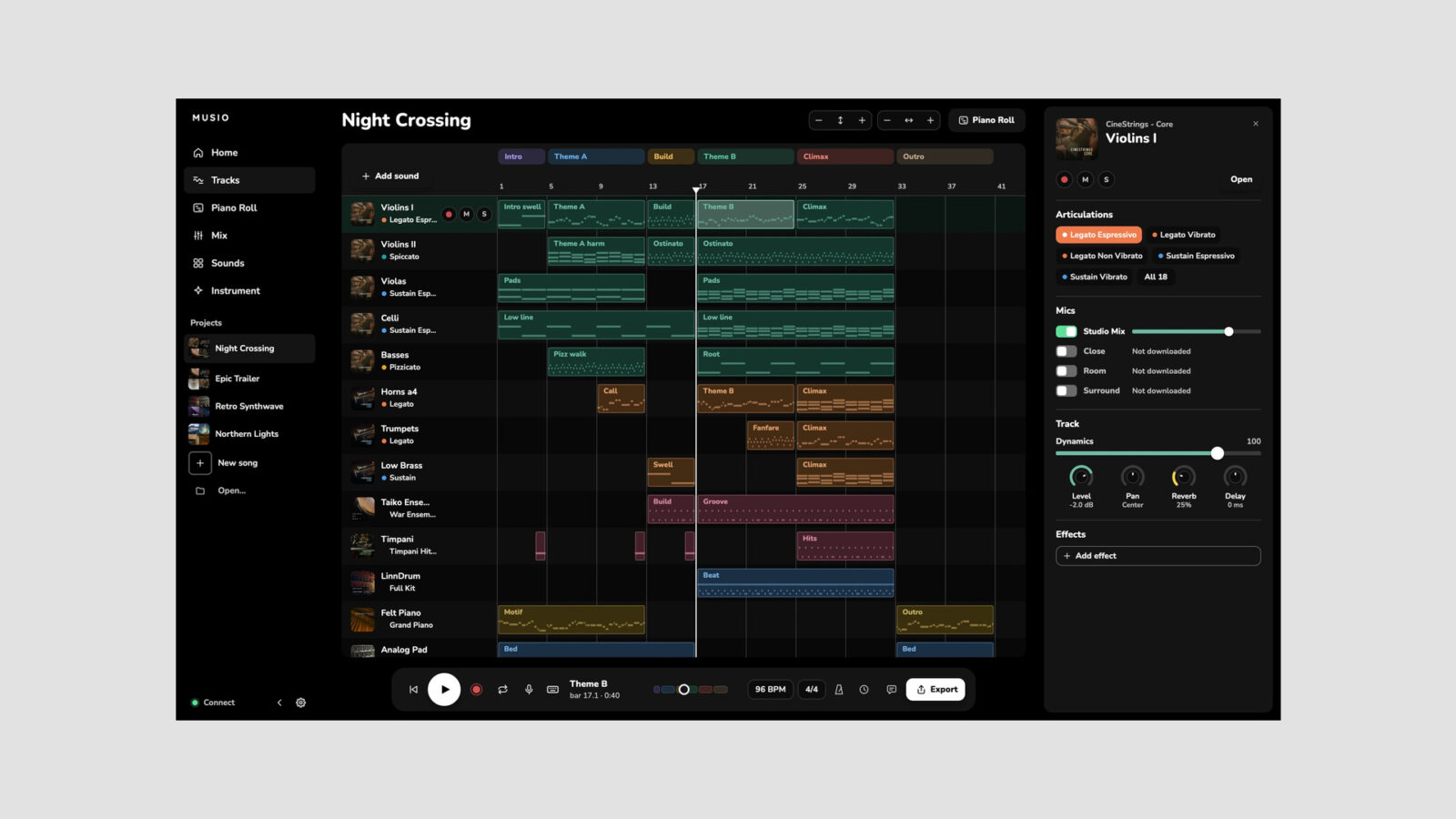
Musio Studio offers free music composition software for Mac, Windows, and Linux. It brings recording, MIDI editing, mixing, and export into one app, with 21 sounds available through a free Musio account.
What Do You Get for Free?
The app costs nothing, and the free sound collection gives you material to start writing. The wider catalog contains more than 3,700 instruments, but access to all of them requires Musio Complete or separate collection purchases. The free download does not unlock the entire library.
You can begin with a template or an empty song, record audio or MIDI, edit notes and expression, and mix your tracks with built-in effects. Exports include audio files, separate stems, and MIDI, which gives you a route into another DAW if you want to finish a sketch elsewhere.
If you’re building up orchestral ideas, our coverage of Blueprint Thumb Piano highlights another free sampled instrument, although it uses a separate player.
Official Tour
Musio’s feature overview shows the app in use:
Musio Studio The Top 10 Features official overview
Loading this video connects to YouTube, which receives your IP address and may use cookies or other storage. Load it only if you agree.
Requirements and Download
Musio Studio supports macOS 11 or later on Intel and Apple Silicon, Windows 10 or later, and supported 64-bit Linux systems. Musio recommends at least 8 GB of RAM and an SSD for the sound content. It uses its own playback system, so you do not need Kontakt.
Download Musio Studio and create a free account at the Musio website. Choose the free plan if you only want the app and included sounds.